Auto-resizes photos to fit ly on social media platforms. Scans photo library and adjusts dimensions for optimal display. Allows users to select and resize images directly within the .
by Simon Liu★ 3.01 ratingsUtilitiesFreeData updated 2026-09-08
Edit photos with weather overlays, including rain, snow, and sun effects. Adjust transparency and blend modes. Share edited images to social media directly. Create custom weather-themed photo channels.
Edit photos with typography, stickers, and artwork. Apply filters and effects. Add overlays, masks, and drawing tools. Create collages and share to social networks. Includes textures, borders, and patterns.
Create photos without cropping. Edit images with filters, backgrounds, and layout adjustments. Make photo collages using hundreds of layouts. Share high-quality photos to social media platforms. Adjust ratios and add text for customization.
The app offers three shooting modes: Square Frame 1:1, Classic 4:3, and HD 16:9. It provides manual control over focus and exposure, with options for multiple frame rates and sizes, including 4K.
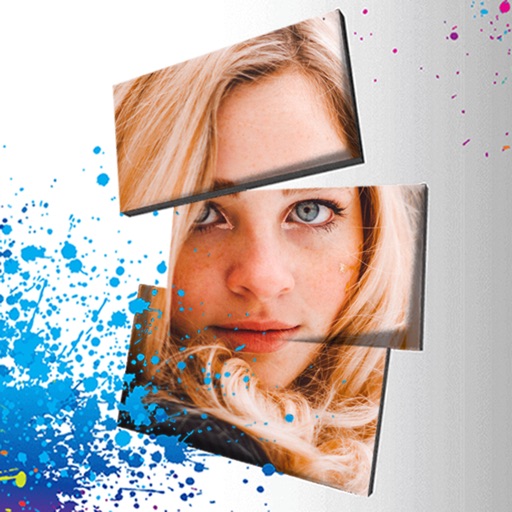
Edit photos by selecting from Camera Roll or taking new shots. Apply real-time effects to create prism-like glass pieces. Adjust frames, shapes, and patterns. Rotate, resize, and drag elements for custom designs. Export and share edited images.
Edit photos using filters, adjustments, effects, blur, focus, and rotation. Add text, stickers, and emoticons. Crop, resize, and apply tone curves. Draw and add splashes for creative touches. Save and share edited photos to social media.
Add text to photos using customizable fonts and captions. Overlay images with artistic artwork or choose from filters and frames. Scale and crop photos for editing. Share edited photos directly to Instagram.
Resize and crop images for specific dimensions and resolutions. Adjust colors and metadata accurately. Batch process multiple files with customizable workflows. Export in various formats for social media, printing, or projects.
Edit photos with single-tap filters, brightness, opacity, contrast, blur, and focus adjustments. Rotate, crop, and resize images. Share to Facebook, Twitter, or Instagram. Save to photo library or send directly.
The app allows users to place over 60 different realistic animals onto their photos. Users can capture or import a photo, choose an animal, and then resize and rotate it to fit.
Generate AI-enhanced images from text prompts. Transform existing photos with AI filters and effects. Edit and enhance images with advanced tools. Share creations directly to social media platforms.
Turn photos into -style artwork with AI-generated styles like Ghibli, figures, and cartoons. Select a style, upload a photo, and generate art instantly. Edit and share the resulting artwork directly.
Apply photo to enhance images. Adjust brightness, contrast, and saturation. Add to photos and videos. Share edited content directly to social media platforms.
Create photo grids by slicing images into tiles and arranging them. Design Instagram stories with customizable overlays. Generate panorama posts for social media. Export and share content directly.
The app provides numerous effects to transform photos into fantasy images. Users can combine and adjust effects like rings, swirls, and fireworks to create unique pictures.
Edit photos with 3D and color effects to create立体 art. Apply special effects to enhance images. Save and share edited photos directly. Use fun and intuitive editing tools for creative customization.
The app provides layouts, backgrounds, and frames for designing photo collages. Users can select templates, upload photos, and adjust them with effects, resizing, or rotation.