Create notes on photos directly from the Photos without opening another . Edit images with cropping, adjustments, and text overlay. Use action extension to edit photos from any .
by Semen Kudriavtsev★ 4.721 ratingsProductivityFreeData updated 2026-09-08
Edit photos with , contrast, saturation, and tone adjustments. Add text, stickers, and effects. Save and share edited images directly. Customize and create new ones within the .
The app offers a variety of tools for photo editing, including filters, effects, stickers, and text options. Users can easily share their edited images to social media platforms.
The app allows users to print photos using the Bolle Photo Advance printer. Users connect to the printer's wifi, select and edit a photo, and then print it in under a minute.
Edit photos with cropping, rotation, and creative tools. Apply 15+ color filters and stickers. Capture photos with camera or choose from gallery. Create square-style collages and share directly.
The app allows users to edit photos with filters, add text, and merge multiple images. Users can also use a sketchpad for quick notes and save handwritten content as pictures.
Edit photos to change using 40+ pre-defined shades. Draw and erase unwanted areas. Save edited images. Apply visual effects without makeup. Adjust and preview changes instantly.
Add , radial effects, and filters to photos with one tap. Adjust focal points, zoom, and rotate elements. Customize line thickness, opacity, and color for detailed edits.
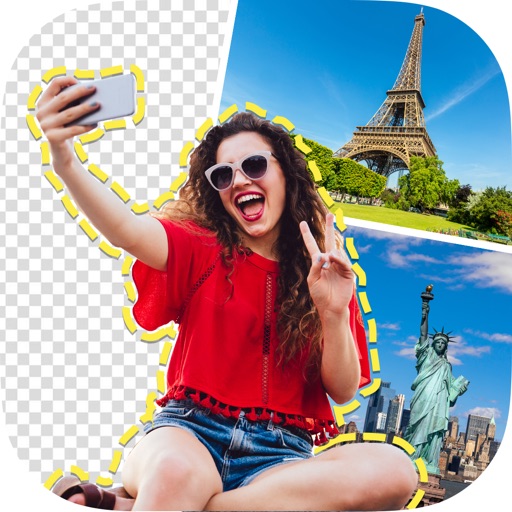
Edit photos with AI enhance, magic remove, and background change. Create collages and apply filters, templates, and stickers. Recolor old photos and generate text-to-image or image-to-image edits. Share edited photos directly to social media.