Create notes on photos directly from the Photos without opening another . Edit images with cropping, adjustments, and text overlay. Use action extension to edit photos from any .
by Semen Kudriavtsev★ 4.721 ratingsProductivityFreeData updated 2026-09-08
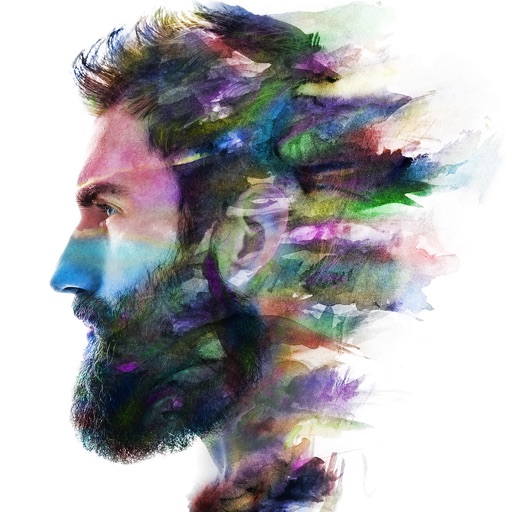
The app offers a robust set of editing and effect features for a professional touch. Users can adjust color balance, contrast, and brightness, and apply effects like collage and oil paint.
Scan documents, receipts, and notes into PDFs using your device's camera. Edit PDFs with text correction and page rearrangement. Convert files to PDF format and view documents in multiple layouts. Share and email PDFs directly from the .
Correct lens distortion by drawing 4 guides or adjusting bulge/pinch settings. Tilt and stretch images in horizontal and vertical directions. Free transform by dragging 4 corners to adjust distortion. Export edited photos in various formats.
The app offers photo editing tools including filters, effects, and adjustments for brightness, contrast, and saturation. Users can add text, stickers, and frames to their images before saving or sharing.
Apply effects like , Doodle, and Hatch to photos. Add photo frames to edited images. Use Photo in Photo feature to overlay sketches on original photos. Edit and share modified photos directly.
Edit photos by adding customizable frames based on metadata themes. Choose or create frames manually if metadata is missing. Save and share framed photos directly.
Create collages with single or multiple photos, up to 14 images. Add , backgrounds, and drawings. Share collages on Facebook, Instagram, Twitter, WhatsApp, and other platforms. Edit photos with basic tools and apply templates.
Create video and photo collages using a timeline mode and multi-layering. Add text, stickers, and media with transparency. Edit objects with scaling, rotation, cropping, and opacity adjustments.