The app allows users to crop photos into a square shape for posting on Instagram. It supports both landscape and portrait orientations and offers various background options and effects.
by FANG Inc.★ 4.3124 ratingsPhoto & Video$3.99Data updated 2026-10-31
Create and share clips automatically. Select a , choose video type, and generate short or full-length . Share directly to Instagram, Facebook, Twitter, LinkedIn, WhatsApp, SMS/iMessage, and more. Set up automatic audiogram for new episodes.
Plan and organize Instagram content by scheduling posts, stories, reels, and carousels. Drag and drop to arrange feed layouts. Hide, pin, or unpin posts. Sync with accounts to view future and published content. Edit profile details and highlights.
Edit photos and videos with filters, effects, and frames. Crop, adjust brightness and contrast, and add text. Share edited content directly with friends.
Create social media posts, flyers, collages, logos, and wallpapers with drag-and-drop tools. Use pre-designed templates for Instagram, Facebook, and phone wallpapers. Add text, images, and graphics.
Edit photos with filters, filter mix, and creative shape effects. Apply mirror and mask tools. Create photos without cropping. Design grids and add funimate effects. Share directly to Instagram.
Create photo collages and video slideshows with customizable layouts, colors, and patterns. Add text, filters, and music. Edit photos with object removal, skin softening, and blur effects. Include stickers, outlines, and background adjustments.
With Hi-Def, Scenery, Food, Portrait, and Night modes. Apply over 100 free and purchasable filters. Add stickers, frames, and overlays. Remove red eye and blemishes. Whiten teeth and adjust color with Splash. Enhance sharpness and draw or add text.
Create collages and edit photos with cropping, filters, and text. Add stickers and remove backgrounds. Edit videos, create slideshows, and design invitations. Share directly to Instagram with hashtag management.
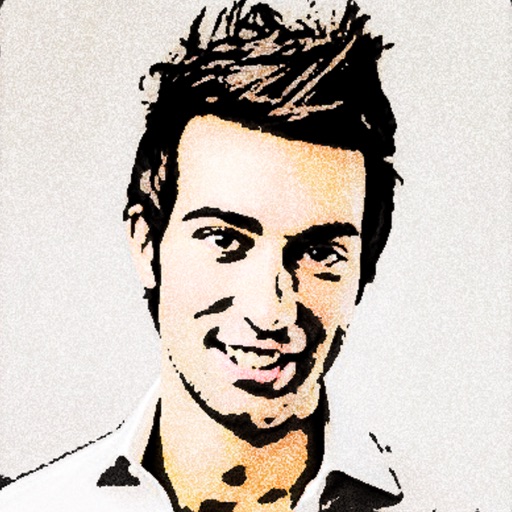
Turn photos into 12 styles with adjustable edge thickness. Add stickers before or after cartoonization. Save and share the edited image. No internet connection required.
The app offers professional beauty tools for skin makeovers and selfie filters. It includes various camera lenses, silent mode, and collage features for sharing on social networks.
Edit photos using filters, adjustments, effects, blur, focus, and rotation. Add text, stickers, and emoticons. Crop, resize, and apply tone curves. Draw and add splashes for creative touches. Save and share edited photos to social media.
Convert photos to colored or black and white sketches using 7 available effects. Choose a photo from the library or take a new one. Apply a effect and save the result to the device. No internet connection is required.
Apply 800+ professional with themes like retro, vintage, and cyberpunk. Customize and use DNG feature for advanced editing. Add blockbusting overlays to enhance photos and videos. Export edited content in various formats.
Resize videos to custom aspect ratios. Crop, rotate, and adjust dimensions. Add background blur, gradients, or solid colors. Include animated text and emojis. Export videos for Instagram, Twitter, Facebook, Pinterest, and YouTube.
Customize text appearance by selecting from 20+ unique . Apply across multiple apps including WhatsApp, Facebook, and Instagram. Access via the on-screen keyboard for typing in any application.
Apply color-correction filters to videos and photos. Adjust exposure, contrast, and color balance. Access 7 built-in filters with examples from 6 sets. Load media as a digital negative for detailed editing. Save all 6 filter sets for a limited time.
Edit photos with filters, effects, and backgrounds. Create collages and layouts with ready-made designs. Crop and mirror images for social media. Add text and frames. Share edited photos directly to WhatsApp and Instagram.