The app allows users to crop photos into a square shape for posting on Instagram. It supports both landscape and portrait orientations and offers various background options and effects.
by FANG Inc.★ 4.3124 ratingsPhoto & Video$3.99Data updated 2026-11-02
Edit photos by removing objects with a magic eraser and auto-cutout tools. Adjust colors, apply filters, and enhance details. Save and share edited images directly.
Edit images with blending effects and premade templates. Crop, rotate, and adjust . Access advanced controls for detailed editing. Save and share edited images directly.
Edit photos with brightness, contrast, and color adjustment tools. Apply over 1000 effects and filters. Add text, stickers, and animations. Share photos directly to social media or email. Export in various formats.
Convert regular videos into format without cropping. Add custom music. Export videos for Instagram and other platforms. Adjust orientation and apply filters. Share directly to social media.
Edit photos with cropping, brightness adjustment, and color correction. Apply filters and beauty tools to enhance skin tone and remove blemishes. Save and share edited images directly.
Create slideshows with photo filters, transitions, and background music. Add text overlays and select from various templates. Export to Instagram, Facebook, YouTube, or email. Share directly or save as video files.
Create videos from photos in the camera roll. Adjust video canvas size for square or vertical formats. Change playback speed for effects. Apply transitions between clips. Export and share the final video.
Create social media content by converting to reels. Add from device or cloud storage. Apply filters and crop images. Trim audio and adjust fade effects. Save final edits to photo library.
Edit videos with speed control and custom filters. Create clips from multiple videos. Adjust image and sound settings. Crop photos intelligently. Apply customizable effects and export final edits.
Create virtual wall displays to showcase art, photos, and designs in realistic room settings. Adjust lighting, color schemes, and layouts to visualize how artwork fits in different spaces. Share finished designs with clients or fans for feedback.
Upload and edit photos with options to choose format, color, and gradient colors. Add multiple images and post full-size photos to Instagram without cropping. No watermark included.
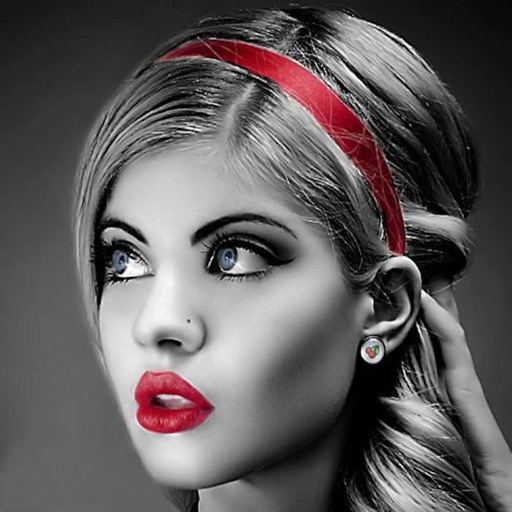
Edit photos with selective effects using gesture controls. Zoom and pan to adjust splash areas. Convert parts of the image to grayscale while keeping selected regions in full . Export edited photos directly.
Convert photos into art with adjustable density and six design options. Choose from four styles and control edge thickness. Export the result as a video or animated GIF.
Create and style photos with single tap effects. Apply 8 filters including , Cartoon, and Dots. Share images to social media or save to photo library. Print photos directly.