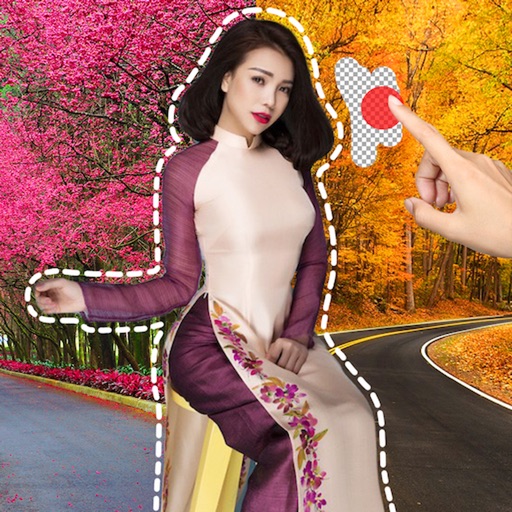
The app allows users to create DSLR-quality photos with blurred backgrounds and bokeh effects. It features an easy editing process with a selection tool and loupe for detail-oriented editing, and users can adjust the bokeh level.
Allows users to divide camera input into multiple sections six layout options. Users can blend images for special effects or contrast for an look. Text overlay functionality enables adding text to photos.
The app transforms selected photos into creative collages. Users can arrange photos on a canvas, adjust layouts, and customize individual pictures by moving or zooming.
Edit photos with AI style transfer for different art effects. Apply 12+ professional filters. Save high-resolution edits to the gallery with one tap. Use a clean, ad-free interface for simple image styling.
The app allows users to create custom wallpapers with 40 preset colors or customizable color settings. Users can add a calendar for one or two months to their Lock Screen or Home Screen.
The app allows users to upload photos, order prints, and create photo books and gifts. It offers color and exposure correction at no extra charge and unlimited free photo storage.
Access and computer projects with detailed circuit diagrams and PCB layouts. Learn through theory and step-by-step instructions. Find reviews, tutorials, and articles on and computing. Build circuits with provided artwork and photos.
The app allows users to create photo books, prints, and personalized gifts from their phone. Photos can be imported from various sources and professionally printed in Melbourne for Australia-wide delivery.
Remove image backgrounds using AI for transparent effects. Edit photos by cutting specific areas manually. Add new backgrounds, text, and stickers. Create profile pictures with customizable options.
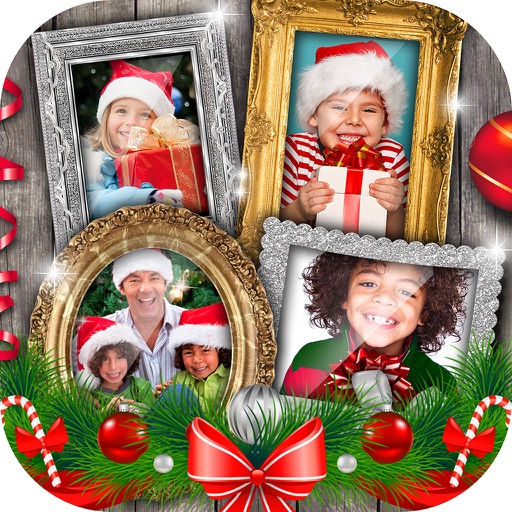
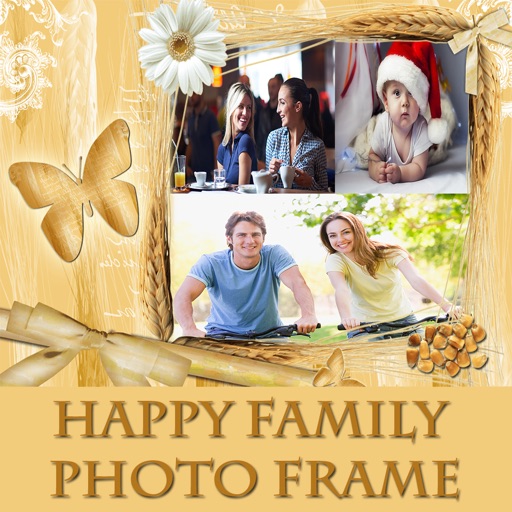
Edit photos with options, crop, and adjust brightness. Add text and stickers. Share directly or save to gallery. Select frames and apply effects to enhance images. Organize photos into albums with customizable layouts.