Apps Like Blender Photo Editor FREE - Create quirky twins fx with artsy fonts "for FB, dropbox, twitter, hotmail & flickr" for iPhone and iPad
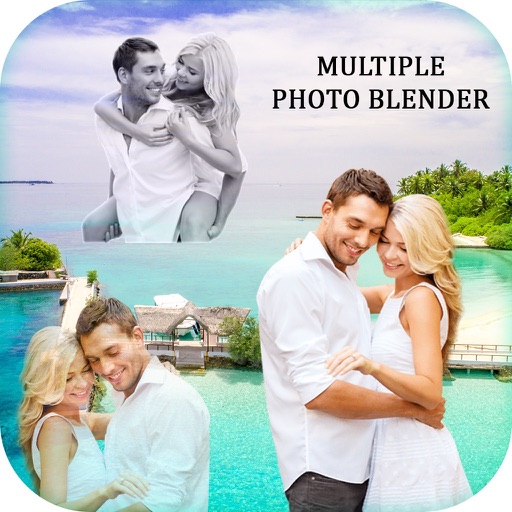
Blend photos 6 layouts and contrast
Allows users to divide camera input into multiple sections six layout options. Users can blend images for special effects or contrast for an look. Text overlay functionality enables adding text to photos.
by Plentouz Apps Development Pty Ltd★ 1.05 ratingsPhoto & VideoFreeData updated 2026-09-09
Pic allows users to divide their camera view into sections using various free layouts. They can take photos or import images from the Camera Roll and arrange them in different orders.
Edit photos with 12 blend modes including overlay, multiply, difference, and exclusion. Combine foreground images from a growing library of over 400 options. Export and share edited creations.
Edit photos using masks and blend modes. Combine images with multi-exposure settings. Apply filters from other apps with adjustable intensity. Add or replace objects and textures. Create custom filters with overlays. Add watermarks or logos.
Edit photos and videos with AI-powered tools. Apply instant presets for enhanced visuals. Auto-remove backgrounds and generate captions from speech. Export in multiple formats and share directly.
Edit photos with enhancement tools, effects, and color splash. Add stickers, frames, and overlays. Create collages and custom drawings. Crop, rotate, flip, and straighten images. Adjust brightness, contrast, and saturation.
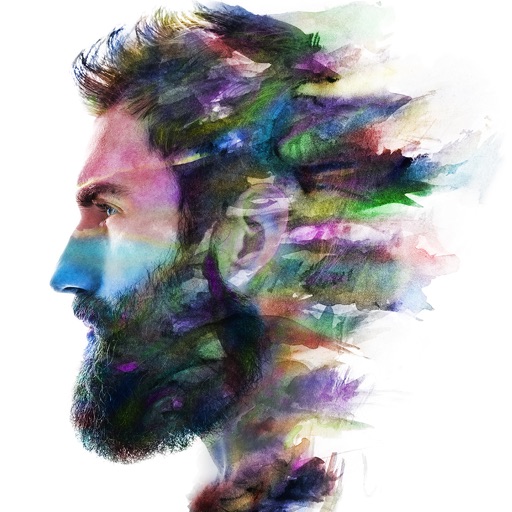
Two photos to create a double exposure effect. Adjust blending modes and positions to merge images. Apply filters and share results on social media platforms like Instagram and Facebook.
Edit photos with HSL adjustments for precise color control. Resize images to fit various frame ratios or remove frames. Add blur effects to backgrounds. Create collages from multiple photos. Apply filters, crop, and adjust brightness and contrast.
Edit photos and videos with filters, presets, cropping, and color adjustment tools. Resize and crop content for social platforms like Instagram and Snapchat. Create collages by combining images. Use MAGIC FILL to expand or uncrop images.
Edit by blending images from the gallery or combining them with existing templates. Adjust exposure and color to create double exposure effects. Save and share the final edited image.
Edit photos with filters, cropping, and brightness adjustments. Add text, stickers, and frames. Create collages and enhance images for social sharing. Trim and cut videos. Export in multiple formats and share directly.
Create collages with 20000+ layouts and effects. Add stickers and text to photos. Edit images with cropping and filters. Make videos with carousel and slideshow options. Share directly to Instagram.