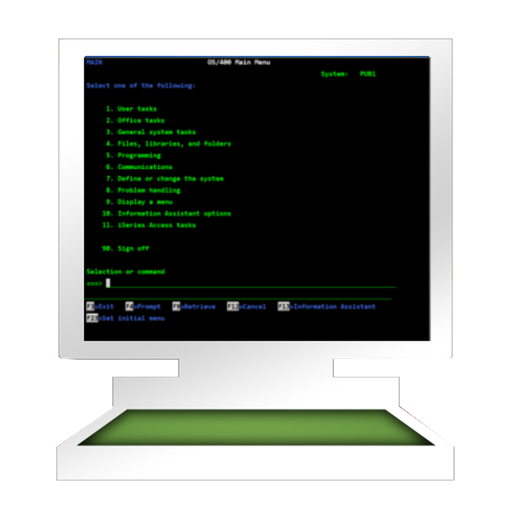
The app provides access to an AS/400 using TN5250 terminal emulation. It supports standard 5250 features, alternate screen sizes, SSL/TLS, and auto login.
by Jan Frydendal★ 0.00 ratingsBusiness$29.99Data updated 2026-09-29
Secure browsing with encrypted connections and IP address masking. Access global content via worldwide server locations. No activity logs stored. Optimized servers for fast browsing and streaming. Unblock websites and protect data on public Wi-Fi.
Access desktop applications from anywhere remotely.
The app provides access to a user's desktop applications remotely. It supports multiple operating systems and offers customizable resolutions and session bookmarks for enhanced remote access.
The app connects to remote servers using SSH or Telnet. It supports username/password or private key authentication, server lists, and iCloud syncing for server information.
Users can view work order details, record labor time, track tool and material usage, and update task status. Access real-time data to manage maintenance tasks efficiently. Sync with IBM Anywhere for up-to-date information.
Manage files via SFTP on connected devices. Organize devices into projects for streamlined access. Scan local networks to locate compatible devices. Connect using SSH, SSL, or CTP through an integrated terminal. Generate reports based on device data.
Access remote devices via SSHv2 and Telnet. Connect through serial ports using Bluetooth or physical cables. Run scripts, share screens, and log sessions. Integrate with Dropbox and iCloud for file storage and syncing.
Perform HTTP requests including GET, HEAD, POST, PUT, DELETE, OPTIONS, and TRACE. View raw headers and HTML responses. Simulate different user-agents. Support SSL for https requests with certificate details. Save and review history of tested URLs.
Monitor devices on a LAN by displaying their status with color indicators. Check device connectivity, identify issues, and view subnet details. Access a Telnet console for router management.
Access local network resources and internet via SSL VPN. Connect securely with fast speeds. Manage firewall bypass settings. Monitor connection status and adjust security protocols.
Control systems with functions including Genie and RVU support. Navigate full-screen menus, set bookmarks, view program details, share content, and access community features. Check system compatibility with Lite before purchasing.
Manage work orders and view job tasks and safety plans. Track inventory and access asset information. Submit and approve tasks offline with real-time sync when connected.
The app is a full-featured IRC client optimized for mobile use. It supports multitasking, push notifications, and offers customizable interface settings.
The app provides mobile access to a business social software server. It allows users to connect with colleagues, share files, and collaborate on projects from their devices.
The app allows users to manage Supermicro server products. It supports standard IPMI commands and KVM, offering features like group management, BMC information, and various BMC functions.