
iPhone Screenshots

Description
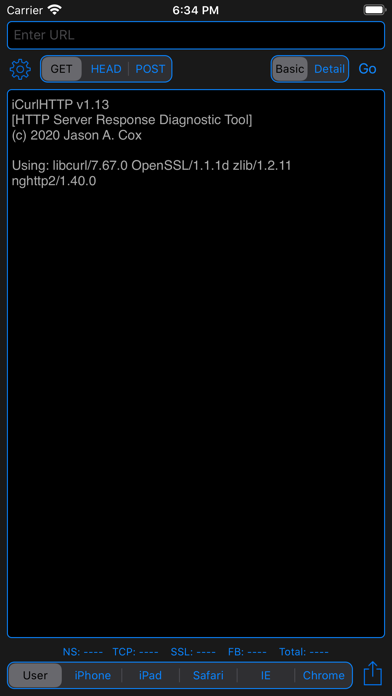
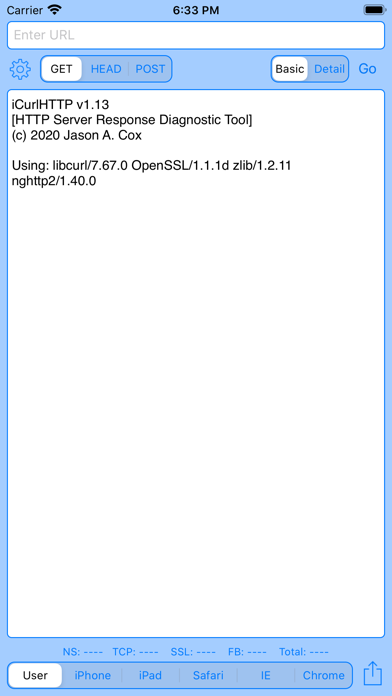
Perform HTTP requests including GET, HEAD, POST, PUT, DELETE, OPTIONS, and TRACE. View raw headers and HTML responses. Simulate different user-agents. Support SSL for https requests with certificate details. Save and review history of tested URLs.
HTTP Web Server Response Diagnostic Tool - Curl for iPhone and iPad
iCurlHTTP is a simple, easy to use app that allows you to run MacOS/Linux-like cURL tests against URLs. It can simulate different web browsers (user-agents) to retrieve the raw HTTP headers and HTML response from web servers.
** GET, HEAD & POST Requests (GET, HEAD, POST, PUT, DELETE, OPTIONS and TRACE on iPad)
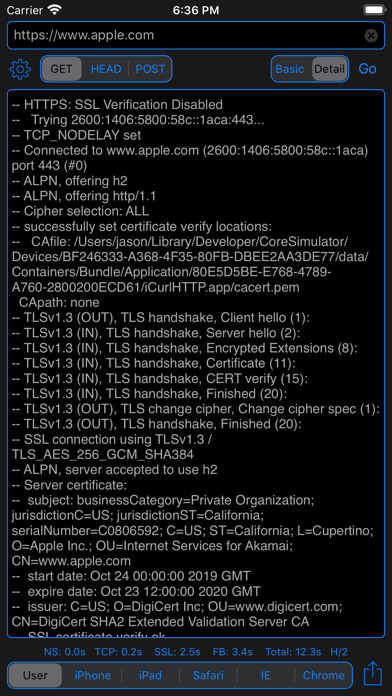
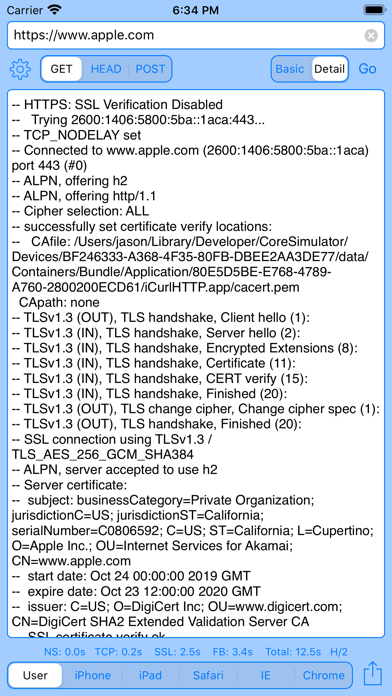
** SSL Support - https requests with basic certificate and handshake information
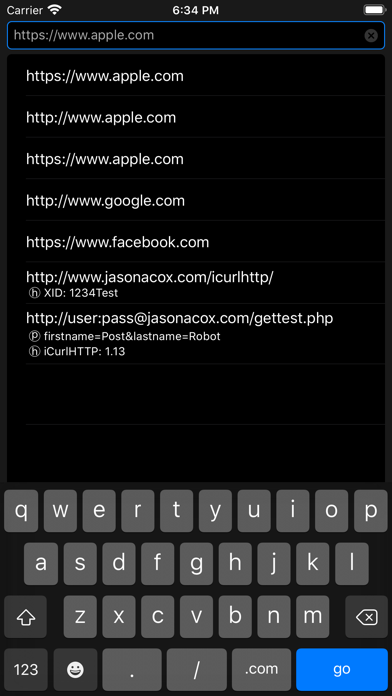
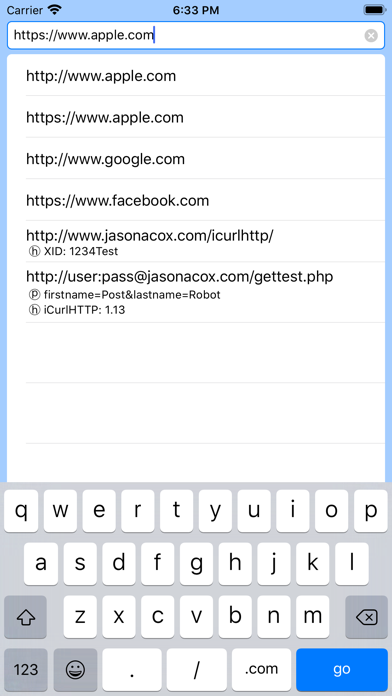
** Keeps a history of URLs tested with HEADER and POST data and provides them in a dropdown for easy repeated testing
** Simulates curl, iPhone, iPad, Safari, IE, Chrome and custom user-agent browsers
** Simple single-view interface with realtime result screen.
** iPhone and iPad support
** Verbose and Basic Detail
** HTTP Timing Details (Name Lookup, TCP Connect, SSL Handshake, First Byte and Total)
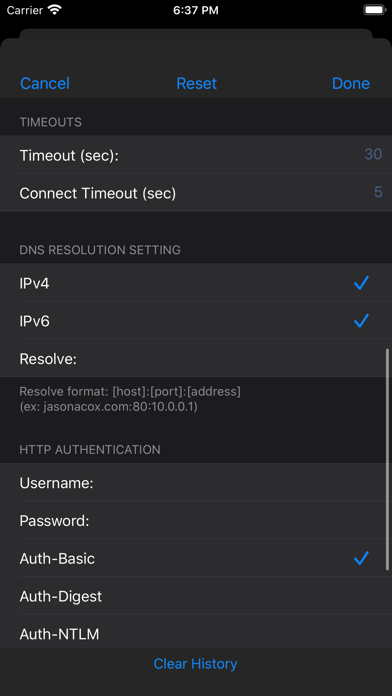
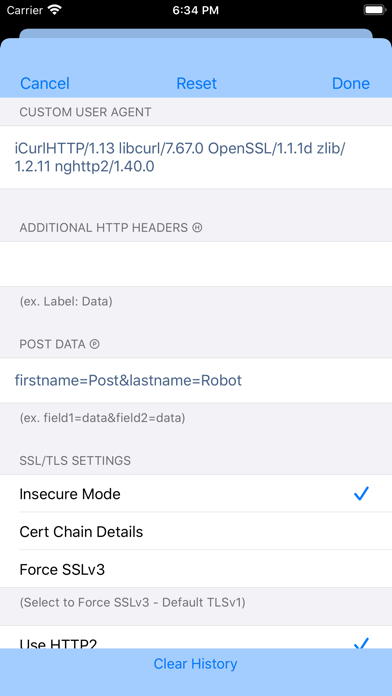
** Set custom User-Agent, Host Headers, Timeouts, HTTP Authentication, SSL Mode and POST Data
** Share Feature to send output to Clipboard, Printer and Email
** HTTP/2 Support
** IPv4 and IPv6 DNS Resolution with Option for Manual Address Resolution (via HOST:PORT:ADDRESS)