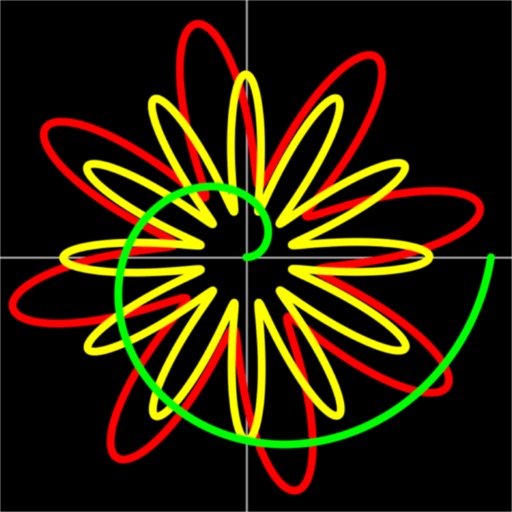
The app offers a simple and intuitive calculator with features like undo/redo, keyboard trackpad mode, and basic graphing. It supports dynamic type and is accessible.
by nordic io AB★ 4.5714 ratingsUtilitiesFreeData updated 2026-09-29
The app provides real-time calculation results as users type, allowing them to see and edit the entire calculation at any position. It supports calculations of almost any length with an unlimited undo and redo feature.
The app allows users to create and edit information in OpenStreetMap. Users can add points of interest, streets, paths, buildings, and bodies of water, with full undo/redo support and offline capabilities.
Annotate images with tools like arrow, rectangle, circle, text, and magnifier. Import photos from library, camera, or map. Export with custom sizes and share. Customize colors, undo changes, and manage layers. Crop images and save history sessions.
Solve math problems with natural textbook input and fraction support. Trace graphs with touch. Zoom using pinch gestures. Tap for regression analysis. Swipe to scroll through calculation history and matrices. Access help via the ? key.
Calculate with a dual-line display showing input and result simultaneously. Use percentage and backspace functions. Switch between 18 color themes. Enter multi-line equations. Automatically format scientific expressions.
Allows users to create and edit spreadsheets with formula dragging, sorting, and header freezing. It supports csv import/export for compatibility. Includes limited graphing features. Features an expanded keyboard for easy equation input.
Access computers' desktops and control mouse and keyboard actions. View live screens, navigate files, and run applications remotely. Connect via account credentials and tap to establish a session.
Sign documents digitally by autographing emails or files with a trackpad. Add signatures to active documents in apps like Word, Pages, and Mail. Use a hotkey to activate the feature and undo or redo actions with a 3-finger swipe.
Create and edit Markdown files with syntax highlighting and HTML preview. Export documents and integrate with Files . Use custom keyboard shortcuts and quick-format options. Support full undo/redo and revert-all-changes.
The app connects to Mac computers from iPad, iPhone, and iPod Touch. It supports Retina display and offers features like a trackpad, virtual mouse buttons, and a functional keyboard with shortcuts.
The app offers unlimited board size and color choices for pens and backgrounds. Users can import photos, print snapshots, and utilize undo/redo functions.
Allows SSH, Mosh, Telnet, and SFTP connections from mobile or desktop. It supports port forwarding and secure file transfers. Users can access a virtual keyboard or connect Bluetooth keyboards. Gestures and device shaking control terminal actions.
Controller for TV allows users to control Stick and TV devices via Wi-Fi. It detects devices automatically, provides access to all buttons, and includes a large trackpad for navigating menus and content.
Take notes and write sentences with a simple, intuitive interface. Undo and redo edits to correct mistakes. Restore notes from update history. Move cursor and perform copy, cut, paste actions via keyboard toolbar. Designed for one-handed operation.
Control TV remotely using a smartphone. Navigate with D-pad or swipe gestures. Type on the TV using your phone's keyboard. Access apps and websites with single taps. Customize order and connect to multiple TVs. Add custom apps and websites.
Write on images using built-in fonts, backgrounds, and colors or upload custom fonts. Save images as editable documents for reuse. Undo and redo changes. Sync across iPhone, iPod Touch, and iPad.
Edit photos and videos with flexible tools. Switch between landscape and portrait modes. Import extended text files. Use unlimited undo and redo functions. Make one-time purchase for lifetime access without subscription fees.
Edit photos and videos with high-quality filters and customizable presets. Create and save custom presets. Use full-screen editing mode. Access intuitive tools for creative adjustments. Share edited content directly.
Allows users to perform basic and advanced mathematical operations. It includes a sidebar and tab bar for navigation and data sharing. Users can drag and drop entries to create new windows or use the context menu to generate new windows.
Create and edit directly on iOS devices. Import questions from existing or use templates. Add collaborators and manage access. Edit questions, reorder, undo changes, and preview . Sync with Drive for seamless access.