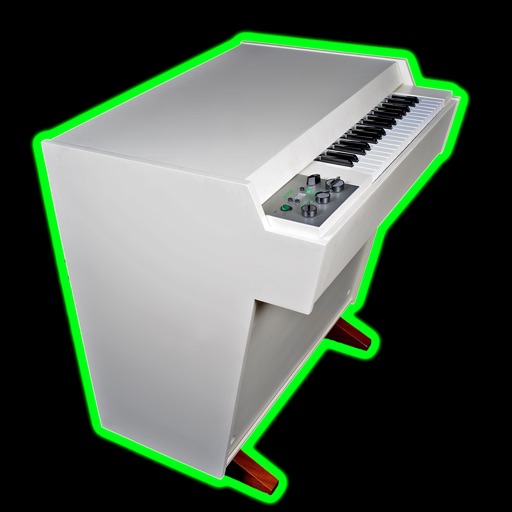
The app allows users to play the Ott-Orgel sample set using a MIDI keyboard and pedal connected to an iOS or macOS device. It features a house organ with one manual and an attached pedal with a 16' subbass.
by Markus Sigg★ 5.03 ratingsMusic$9.00Data updated 2026-09-29
Create and customize MIDI sequences with scale selection, complexity settings, and step controls. Generate random patterns and melodies. Adjust pitch, transpose, and set playback motion. Export patterns or use Infinity mode for continuous generation.
Control and monitor music software and hardware via OSC and MIDI protocols. Send and receive messages over Wi-Fi or CoreMIDI. Connect to DAWs like Logic Pro, Ableton Live, and Pure Data. Adjust parameters in real time and receive feedback.
Create and manipulate music using virtual tape loops. Load and play 90 preloaded tapes, including 65 from Streetly's Production Masters. Adjust pitch, tempo, and effects. Export audio files and share directly.
Play sequences of colors and sounds, then replicate them by tapping. Track progress with high scores and compare with others. Improve visual and auditory memory through repeated gameplay.
Adjust tempo and time signatures with precise control. Program setlists and subdivisions. Sync multiple devices for rehearsals. Use flash and vibration cues. Automatically detect tempo from audio input.
Create and manage drum kits by importing professionally recorded samples. Trigger samples via MIDI or built-in pattern editor. Sync tempo with DAW. Edit and sequence drum patterns. Build and organize custom drum kits.
Isolate and separate music tracks into vocals, drums, bass, piano, and other instruments. Save and export tracks to DAWs. Adjust volume, panning, and playback speed for each track. Edit waveforms to select specific regions.
Practice chord progressions by setting for each bar and playing them on the keyboard. View chord tones and sounds in real time. Play full songs with multiple bars. Track chord patterns for pop and jazz music.
The app is a polyphonic sampled AUv3 instrument and standalone application. It offers a configurable keyboard, reverb, and delay effects, with selectable keyboard or breath mode for performance.
Play virtual with 17 keys and full string connectivity. Access preloaded songs and lessons. Learn chords and riffs with guided tutorials. Add new tabs weekly. Export performances and share directly.
Record sounds via microphone and play them on dual piano keyboards with a rhythm machine. Create complex musical arrangements using voice, instrument, and environmental samples. Export and share audio files. Supports Audiobus and MIDI connectivity.
The app offers a collection of unique guitars, real-time effects, and amps. Users can configure signal chains with a drag-and-drop interface, and control string bending via MIDI or accelerometer.
2 allows users to create drum kits with up to 64 samples per kit. Each pad supports 5 layers. Users can arrange samples in a 4x4 pad layout with 4 sample banks. Multi-sample layers can be controlled individually.
Create and save unlimited presets with 16 patterns each. Adjust polyphonic and polyrhythmic sequences. Sync presets to iCloud. Use as a standalone or AUv3 MIDI effect. Generate melodic patterns from played notes or chords.
Control playback and view song information, lyrics, and cover art. Browse media library by metadata or folders. Adjust settings and manage playlists remotely via WiFi connection.
Create basslines using a virtual TB-303 synthesizer. Adjust waveform shapes, filter settings, and envelope parameters. Save and export audio files. Import and manipulate MIDI files. Sync with DAWs for music production.
Record and playback audio samples with a multi-octave on-screen keyboard or MIDI device. Save, load, and reverse samples. Loop samples in forward, reverse, or forward-reverse modes. Apply reverb, resonant filter, and sample rate/bit crusher effects.