Solve puzzles to and progress through floors. Find hidden objects to use in puzzles. Access 8 free with challenging mini puzzles. Login for daily lucky draw to get free walkthroughs. Track progress and retry failed attempts.
Play games including ten pin, candlepin, and 100-pins. Bowl against other players in daily tournaments. Unlock new games, lanes, and balls. Track career stats. Position the ball by touch or tilt and roll with a swipe. Add spin by swiping or tilting.
Control falling objects to prevent stacks from collapsing. Tap to move balls into designated slots. Navigate through increasingly complex structures. Earn points based on speed and accuracy. Unlock new levels and challenges.
Create run paths by drawing lines on the screen. Choose devices based on line length. Modify designs after creation. Add new devices in future updates. Share completed with others.
Generate AI-powered replies for dating chats and bios. Analyze conversations to assess interest. Customize responses with spice levels. Integrate with dating apps and messaging platforms. Requires subscription for full features.
Customize a car with various parts. Use fingers to draw tunnels for the car to drive through. Avoid obstacles and collect coins while navigating levels. Adjust tunnel paths to find successful routes.
Create and customize characters with drawing tools. Navigate through levels using movements. Unlock new abilities and power-ups. Compete in timed challenges and track progress. Share custom characters and levels with others.
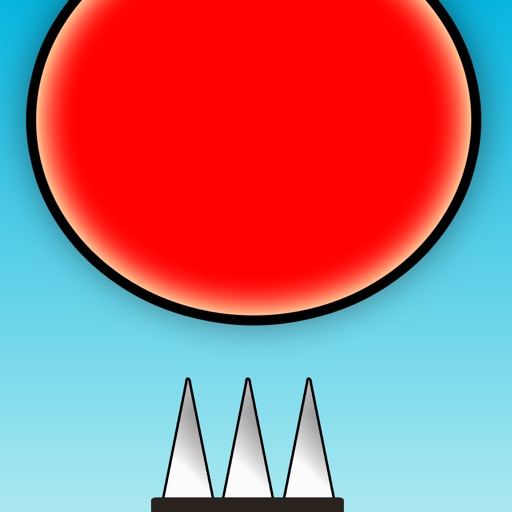
The app requires users to control a red ball and avoid spikes. It features 135 levels designed to test speed and reflexes, with an easy one-touch control system.
Guide and pepper through maze-like paths to their matching cups. Tap to draw lines, avoid obstacles, and complete levels. Track progress and unlock new challenges.
Solve physics-based puzzles by cutting and slicing obstacles to guide a ball into a cup. Use precise cuts to clear paths and overcome challenges. Track progress through multiple levels with increasing difficulty.
Provides an AI keyboard for apps. Users can generate flirtatious messages, choose from flirting, spicy, or casual styles, and use goal mode to guide conversations toward dates or meetups.
Generate text suggestions for dating conversations based on context from screenshots. Offer alternative phrases to refine messages. Provide tips for improving confidence and communication in chats.
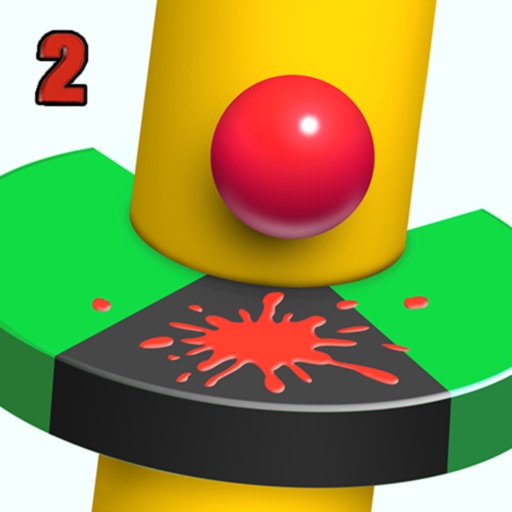
Guide a bouncing through a rotating helix maze by sliding horizontally to adjust the angle. Avoid hitting red planks to keep the moving. Earn points by passing through gaps and clearing levels.
Draw lines to chains and dolls, foes, and objects. Control character movements with touch gestures. Unlock new characters and levels. Track progress and compete in leaderboards.
Play with custom routes and plays in iMessage. Move players along predefined paths. Compete in singleplayer, turn-based mode, or live multiplayer via GameCenter. Includes playoff mode and college rules.
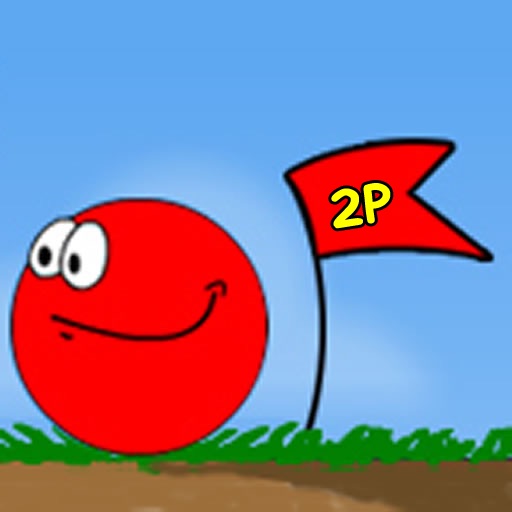
Play a two-player game using Game Center or Bluetooth for real-time competition. Navigate through levels to achieve the fastest time. Compete against another player to see who performs better.