
Pocket Marble Runs
Draw paths, build devices, watch marbles roll
monois Inc.
iPhone Screenshots






Description
Create run paths by drawing lines on the screen. Choose devices based on line length. Modify designs after creation. Add new devices in future updates. Share completed with others.
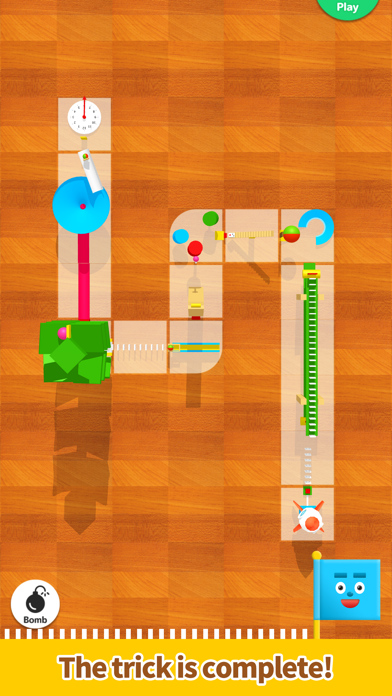
Simply trace the screen to create a Marble Runs!
An easy-to-use app designed for everyone – it allows them to create fun devices similar to those featured on Marble Runs (Chain reaction machine).
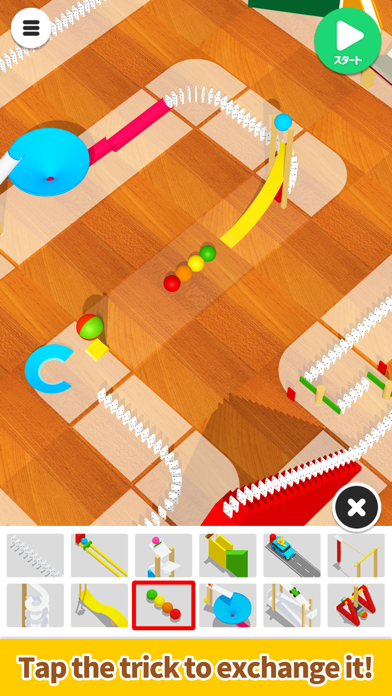
Use a dragging motion to draw a line and create a simple device that follows that path, and then try changing the device afterward!
The longer the straight line, the more devices you can choose from.
Have fun making your device move in many different ways!
We plan to add many more devices in the future!
*Method of operation:
- Trace the screen with your finger to create a path.
- Lift your finger to create a simple device.
- Tap the device to swap it for another one.
- Press the Start button to start. Have fun by changing the angle and the zoom on the camera.
- Sound effects: turn them on/off from the options on the top right of the top screen.
- Music: turn it on/off from the options on the top right of the top screen.
- Device shadows: turn them on/off from the options on the top right of the top screen.
*If your smartphone is showing low performance, we recommend turning the shadows off.