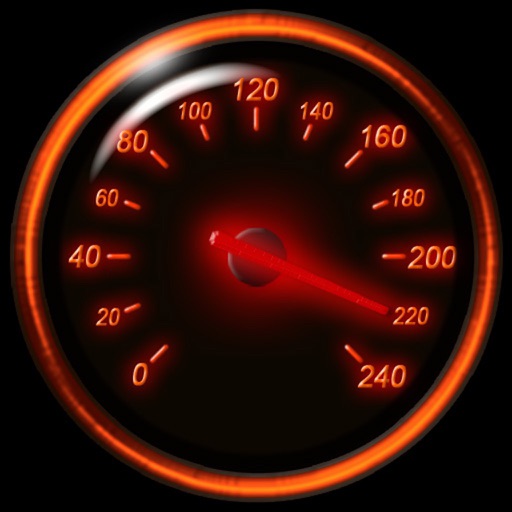
Displays current speed in mph, km/h, or knots. Features a large, clear indicator with adjustable transparency for better accuracy. Uses device hardware to estimate speed. No additional features or connectivity options.
by Tim O's Studios, LLC★ 4.850,954 ratingsNavigationFreeData updated 2026-11-07
Manage GPS trackers with real-time tracking and push notifications. Set geofenced areas and no-go zones. Receive alerts for low battery, SOS, and speed limit exceed. View detailed history, reports, and device information.
Monitor vehicle movement, ignition status, and location in real time. Send commands like messages and route instructions. View tracks with speed, fuel data, and other metrics on a map.
Turns iPhone or iPad into an LED display with large text or images. Adjust text size, color, and font. Create blinking animations and save as templates, videos, or GIFs. Display messages clearly from a distance. Customize LED text settings.
Track trips automatically based on driving activity. View personalized DriveScore to monitor performance. Detect harsh braking, speed violations, and other unsafe events. Review trip details including duration, distance, and speed.
The app provides vehicle location checking and history playback. It also allows viewing device alarms and uses cloud storage for faster response speeds.
Track speed using iPhone's GPS. Display speed in mph or km/h based on region settings. Show max and average speed. Choose between digital and analog display styles. Monitor speed during car, bike, running, or riding activities.
The app offers an elegant display with gesture controls for speed readings. It provides a speed limit alarm and a Head-Up Display mode for nighttime use.
Scan networks to identify connected devices and detect available WiFi hotspots. View information, signal strength, and IP addresses. Search and hide unknown devices. Automate network speed tests and locate lost Bluetooth devices.