Discover and preview colors with options to filter by vibrancy, hue type, and color family. Identify color names and hues. Adjust colors using RGB, HSL, and HSV sliders. Organize and save color palettes for later use.
Create flowcharts, org charts, and process diagrams with drag-and-drop node addition. Use infinite canvas and 24 themes for customization. Organize nodes with containers and group them for complex layouts.
Create and edit presentations with slide editing tools. Import PowerPoint files (.PPTX) and continue work offline. Export as image or PDF. Use templates for marketing, sales, and other purposes. Customize themes and design slides.
Calculate values of a -angled using hypotenuse, cathetus, opposite, adjacent, or angles. Enter two values to automatically compute all other values. Display results with detailed formulas and units. Save and share calculations.
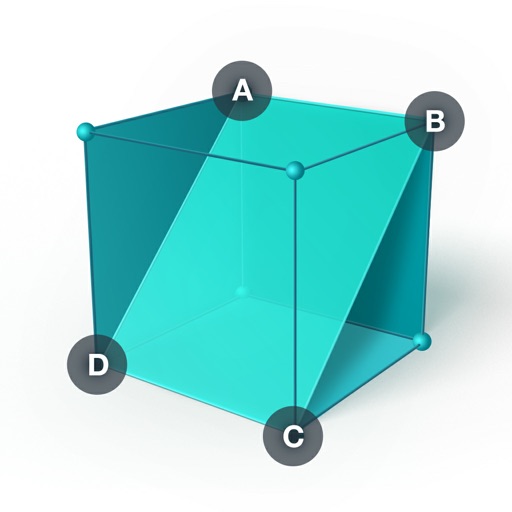
Create and manipulate 3D geometric . Measure angles and distances. Explore properties of solids and their relationships. Solve math problems involving . Visualize perpendicular and parallel lines. Apply the Pythagorean Theorem in 3D space.
Collect and map field data with customizable forms and attributes. Capture data offline or online. Transfer data to desktop GIS platforms. Edit and manage attributes directly in the field. Sync data with preferred GIS software.
Allows users to measure and calculate dimensions using feet, inches, and sixteenths. Input tape measure data directly for accurate conversions. Calculate angles and verify corners without manual calculations.
Object dimensions using phone and reference objects like credit cards or DVDs. Snap photos for accurate in-plane measurements. Add custom reference objects with known sizes. Export measurement data for later review.
Practice scenes, record auditions, explore characters
Practice scenes and record auditions with an AI-powered that responds naturally and at your pace. Rehearse anytime, anywhere without needing a scene partner. Explore characters and using the 's interactive features.