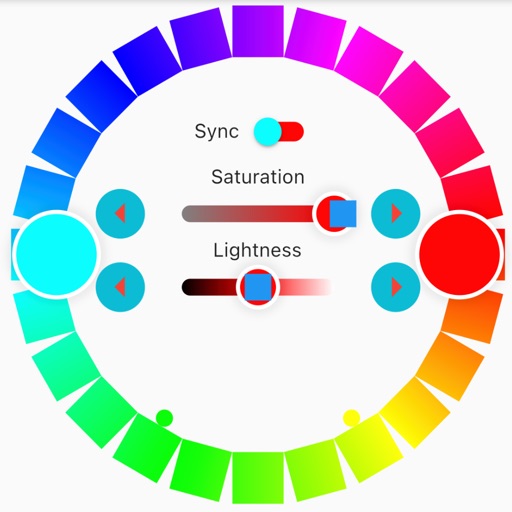
Discover and preview colors with options to filter by vibrancy, hue type, and color family. Identify color names and hues. Adjust colors using RGB, HSL, and HSV sliders. Organize and save color palettes for later use.
by Michael Christely★ 4.7107 ratingsGraphics & DesignFreeData updated 2026-09-06
Convert colors between HEX, RGB, RGBA, CMYK, Lab, and HSB formats. Use the picker to select and copy codes. Adjust values manually or through preset swatches. Export codes for use in design projects or coding.
Edit photos with HSL adjustments for precise color control. Resize images to fit various frame ratios or remove frames. Add blur effects to backgrounds. Create collages from multiple photos. Apply filters, crop, and adjust brightness and contrast.
Create and manage palettes with support for multiple formats including HEX, RGB, HSL, and CMYK. Export colors as PNG or SVG. Save history and access a library. Organize projects and select colors from images, camera, or web.
Allows users to capture and match colors to Pantone shades. It provides precise exploration with intuitive tools. Users can access licensed Pantone colors and adjust hues for design projects.
Identify colors using the camera for real-time detection. View names and hex codes. colors from brands like Sherwin-Williams and Benjamin Moore. Explore professional palettes and check harmony with a built-in wheel. Import photos to analyze colors.
Capture and recognize names in real-time by pointing the at an object. Display RGB, HSV, and CIE Lab values. Adjust individual components and view changes instantly.
Create color schemes using a fast generator. Organize palettes into projects and collections. Export as image or PDF, or share via link. Select colors from photos. Choose layouts to create collages with photos and palettes.