The app allows users to edit photos with filters, add text, and merge multiple images. Users can also use a sketchpad for quick notes and save handwritten content as pictures.
by 著显 朱★ 0.00 ratingsPhoto & VideoFreeData updated 2026-09-28
Create collages using free layouts and grids. Add stickers, text, and backgrounds. Edit photos with cropping, flipping, and layering. Save and share finished collages or stories. Generate wallpapers from edited images.
Create designs and graphics using customizable templates and a vast library of images, fonts, and templates. Apply photo filters and adjustments to enhance visuals. Organize templates into folders and favorite favorites for quick access.
Edit videos with trimming, splitting, rotating, flipping, reversing, deleting, and duplicating clips. Merge videos, photos, and live photos. Reorder clips as needed.
Record HD videos and movies. Apply filters and effects. Crop and rotate videos. Adjust contrast, saturation, brightness, and temperature. Fine-tune colors and create custom filters. Use presets. Export in high resolution. Share videos directly.
Edit photos with color and film filters, vintage textures, and light leak effects. Adjust brightness, contrast, and saturation. Add vignettes and analog film sensations. Export edited images in various formats.
Edit photos using adjustable filters for brightness, contrast, saturation, color temperature, highlights, shadows, and color. Add text to images for customization. Preview in real time. Remove previous settings. Save edited photos to the device.
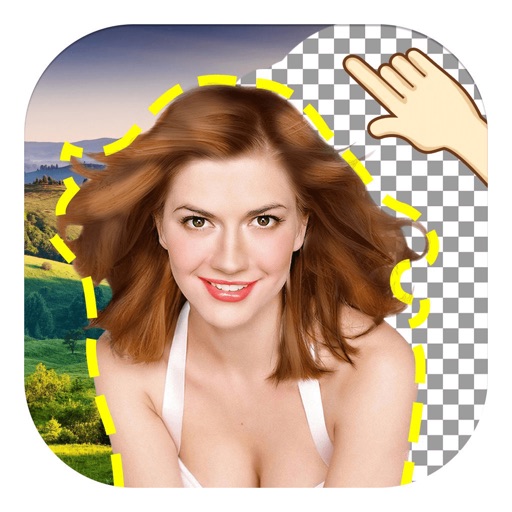
The app allows users to remove and edit backgrounds of pictures. It offers smart and manual cutout tools, with options to move, zoom, rotate, and crop images.
Crop and rotate images into various shapes. Add text, arrows, and shapes for annotations. Pixelate sections or draw freehand. Share edited photos directly with contacts.
The app provides tools for image adjustments like saturation and contrast. It offers light leaks, emulsion, grain, and scratch effects to mimic vintage cameras.
Add text, logos, digital signatures, QR codes, and timestamps to . Batch multiple images at once. Set dates and timestamps. Export watermarked directly.
Edit photos with filters, effects, and backgrounds. Create collages and layouts with ready-made designs. Crop and mirror images for social media. Add text and frames. Share edited photos directly to WhatsApp and Instagram.
Edit photos with filters, light overlays, and aesthetic design elements. Crop, resize, and add borders or shapes. Create collages with multiple layout templates. Include stickers and share edited images on Instagram or Facebook.
Edit videos by colorizing specific parts and adjusting brightness, saturation, and hue. Change of selected areas, adjust contrast and white balance, and apply vignette effects. Convert videos to black and white with retention in chosen details.
The app organizes photos with customizable album layouts and a 3D browsing experience. It offers password protection, a powerful editor with real-time adjustments, and color-based photo searching.
Edit photos with crop, rotate, and filter tools. Adjust brightness, contrast, and color. Add text, stickers, and draw on images. Apply blur, focus, and special effects like magic and splash. Export and share edited photos.
Create animated GIFs from Live Photos, burst shots, videos, or still images. Adjust slide speed and generate emoji-style animations. Export GIFs in various formats and share directly to social platforms.
Annotate photos with text, drawings, and hand-drawn elements. Add watermarks and autographs. Create and share Photocards. Incorporate internet memes. Edit and enhance images for personal or professional use.