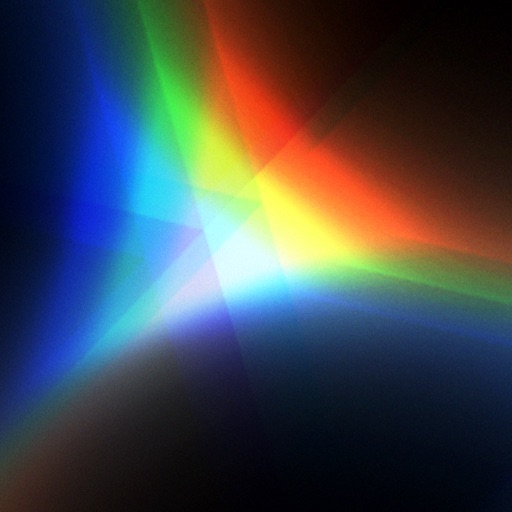
The app displays images from the camera as a kaleidoscope. It reproduces a tapered mirror system kaleidoscope and adds chromatic aberration for realistic images.
by Masataka Hakozaki★ 4.85 ratingsEntertainment$1.99Data updated 2026-09-28
The app converts photos into pencil sketches and offers a collection of coloring pages. Users can select photos from their album or take new ones with the camera to create sketches.
Create intricate designs, patterns, and mandalas using intuitive drawing tools. Use a single stroke to generate complex artwork. Access a variety of brushes and color options. Save and share creations directly.
Add crystal filters to photos and videos for a prismatic effect. Apply dreamy, mysterious looks with artistic color presets. Fine-tune media with customizable adjustments. Convert photos into animated effects. Share edited content directly.
Create custom grids over reference images or drawing surfaces. Set grid dimensions and adjust spacing. Transfer intricate details square by square. Export drawings in multiple formats. Share directly from the .
Track scores for multiple players in a single interface. Count pips using camera or manual input. Customize colors and values. Adjust themes and set double zero values. Export scores and manage game settings.
Edit photos with cropping, rotating, and filter adjustments. Retouch selfies and enhance lighting. Share to Facebook, Instagram, and IG stories. Save custom filter recipes. Batch edit multiple photos. Use + to stack filters and adjust strength.
Lets users at events activate their devices to interact with the crowd. Syncs with CUE-enabled events to share real-time reactions. Displays audience participation metrics. Allows users to trigger synchronized effects during performances.
Convert photos to style with adjustable contrast, brightness, and sharpness. Import images from the album or capture new photos via the built-in camera. Save cartoons to the album or email them directly.
Allows users to view their reflection using the front camera. They can freeze the image for closer inspection, pinch to zoom in on details, flip the image to see themselves as others do. Users can save photos taken through the .
Create photos by setting diameter in pixels, millimeters, centimeters, or inches. Import or capture photos, zoom, and move images. Edit with filters, focus, effects, and text. Adjust colored borders. Save, print, email, or share the final image.
Kids can and leave voice messages. Listen to voicemail and record replies. Parents can track behavior with options to mark good or bad behavior. No airtime or data is used.
Create geometric art by rotating, spinning, and zooming the . Capture and save images or record video loops. Share creations directly or save to device.
Edit photos with crop, rotate, exposure, color, sharpness, and resize tools. Create grid collages and edit individual images. Access presets, clone tool, and fine curve adjustments for detailed edits. Export and share edited photos directly.
Edit photos by applying filters and adding eye effects. Choose from multiple eye styles and import images from the camera roll. Share edited photos on social media platforms like WhatsApp, Facebook, and Twitter.
With filters, cropping, and adjustment tools. Apply beauty enhancements and double exposure effects. Use color splash and resize images. Access frames and story templates. Change resolution and export in multiple formats.