Apps Like StudentsNotes-课堂笔记画画涂鸦拍照 for iPhone and iPad
Draw and write on class notes.
The app allows users to draw and write on pictures taken in class. Users can save these notes as images, add them to a square, and share them via email.
by 著显 朱★ 1.01 ratingsEducationFreeData updated 2026-09-28
View schedules, speaker details, and exhibitor information. Access poster abstracts and presentation slides. Take notes on slides and draw directly within the . Note-taking is also available in the Exhibitors module.
Capture photos and notes on-site. Create and send professional PDF reports. Organize and share project data. Track progress with customizable templates. Sync reports across devices. Export data in multiple formats.
Access conference presentations, exhibitor information, and attendee connections. Take notes on slides and draw directly on presentation content. Sync notes with event apps for offline access.
Record lectures, generate summaries, organize notes
Record lectures and replay them anytime. Auto-generate summaries from recordings to save time. Manage class schedules, assignments, and deadlines using an integrated calendar. Share notes, recordings, and files with classmates for collaborative work.
Write plain text notes with a streamlined interface and quick-access shortcuts. Customize themes and control text cursor with swipe gestures. Track text length in characters, words, and SMS texts.
Draw sketches and notes with intuitive tools. Use built-in templates for wireframing. Access line and dot grids for precise alignment. Shake to clear the canvas. Share drawings directly with teammates.
Access city services anytime with real-time updates. Submit requests for over 600 services like Animal Services, Bylaw Violations, and Waste Collection. Use location-based features to report issues such as Graffiti Removal and Road Maintenance.
The app allows residents to submit service requests for non-emergency items like potholes and trash collection. Users can attach photos and receive notifications when requests are completed.
View meeting schedules, presentations, exhibitor information, and speaker details. Take notes next to slides and draw directly on them. Notes can also be made in the Exhibitors module.
Allows real-time viewing of endoscope footage via Wi-Fi. Users can record videos, take photos, and manage connected devices. The supports remote control and image transmission for inspection tasks.
Take handwritten notes with low-latency ink that mimics paper feel. Write on an infinite canvas that expands automatically. Save and organize notes in a structured notebook interface. Share notes via email or cloud services.
View and annotate PDFs with notes, highlights, underlines, and strikeouts. Find text and bookmark pages. Convert images to PDF, scan documents, fill and sign forms. Share files and add signatures to documents.
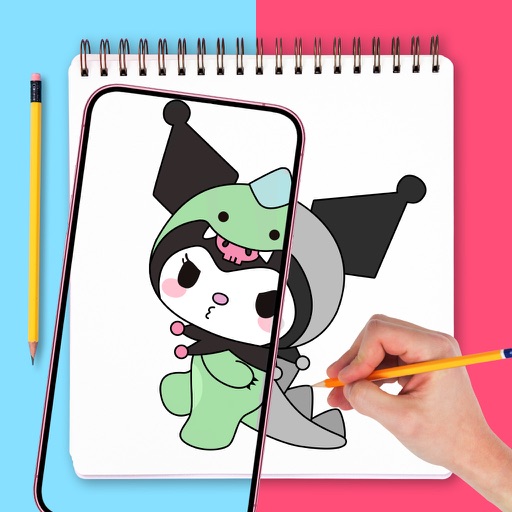
Use augmented reality to draw on any surface. Trace outlines, adjust colors, and add textures. Save and share drawings. Access tutorials for beginners. Export in various formats.
Access presentations, view exhibitor information, and connect with attendees. Take notes on slides and draw directly on them. Sync notes with event apps for later review.
The app allows users to draw, diagram, and demonstrate football plays. It offers features for creating and sharing virtual playbooks with collaboration between mobile and web platforms.