
iPhone Screenshots





Description
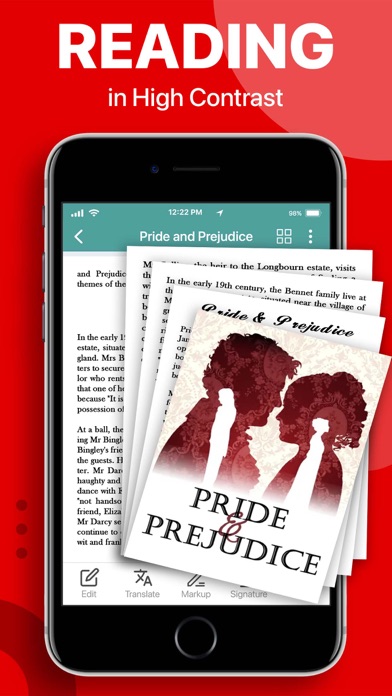
View and annotate PDFs with notes, highlights, underlines, and strikeouts. Find text and bookmark pages. Convert images to PDF, scan documents, fill and sign forms. Share files and add signatures to documents.
PDF Reader - PDF Editor is an all-in-one tool for reading and editing PDFs. With PDF Reader, you can easily view, annotate, scan, fill, sign, and share PDF files. You can create forms, convert images to PDF, and add your signature to shared documents. It makes working with PDFs really simple.
Key Features:
View and Annotate PDFs:
• Read PDFs with PDF Reader.
• Add notes, highlight, underline, and cross out text.
• Easily find text in your PDFs.
• Bookmark pages for later reference.
Convert PDFs:
• PDF Converter that converts photos to PDF.
• Turn images into new PDFs.
Manage Files:
• Organize, rename, copy, move, or delete PDFs.
• Access files from your Drive.
Edit Text and Images:
• Directly edit text and images in PDFs.
• Merge, split, reorder pages, and rotate images.
• Draw on PDFs.
Fill and Sign PDFs:
• Easily complete, save, and send PDF forms.
• Sign PDFs from anywhere.
Scan Documents:
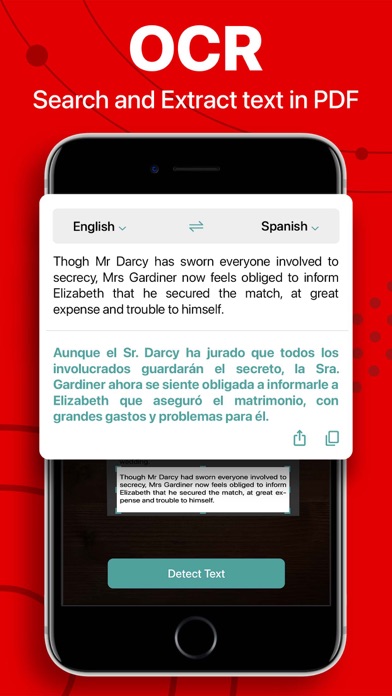
• Quickly scan various documents.
• Improve scan quality for clarity.
Making PDF tasks even better is our goal, and your suggestions help us to achieve it. We value your input! If you have ideas to improve, please share your feedback with us.
Terms of Use: https://www.apple.com/legal/internet-services/itunes/dev/stdeula/
Privacy Policy: https://www.freeprivacypolicy.com/privacy/view/50c5621471755f1548917ebbe5e90160