Merge photos vertically or horizontally by selecting up to 10 images. Arrange, reorder, and delete photos easily. Rotate to landscape for side-by-side merging. Preview merged results before saving. Edit individual photos by pressing and holding.
by Sangmook Lee★ 3.45 ratingsPhoto & Video$0.99Data updated 2026-09-08
Edit photos by applying filters and adding eye effects. Choose from multiple eye styles and import images from the camera roll. Share edited photos on social media platforms like WhatsApp, Facebook, and Twitter.
Enhance and restore old photos using AI image processing. Adjust clarity, color, and brightness. Remove blur and repair damaged areas. Convert black and white photos to color. Export edited images in various formats.
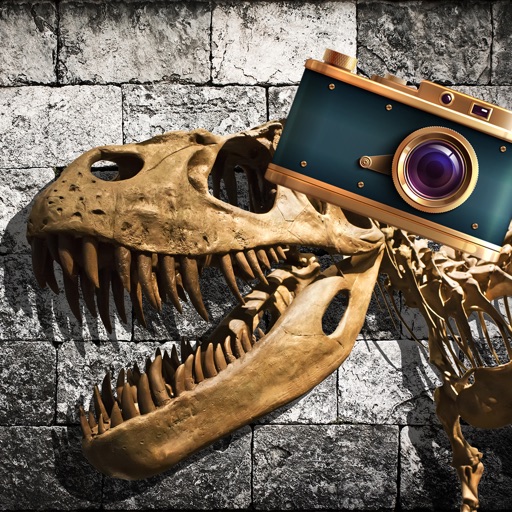
Add realistic dinosaurs to photos with tap-to-place features. Choose from over 60 species including Tyrannosaurus, Pteranodon, and Stegosaurus. Share edited photos on social media platforms like Facebook, Twitter, and Instagram.
Resize and crop photos in batches, adjust dimensions, rotate, or delete multiple images at once. Save edited photos to camera roll, email, or Dropbox. Customize resize settings and export to a working directory without altering original files.
Resize photos by adjusting dimensions in pixels, millimeters, centimeters, or inches. Save images in PNG or JPG formats. View side-by-side comparisons of original and resized images. Maintain quality during resizing.
And videos with precise control. Adjust orientation manually or automatically. Apply effects horizontally or vertically. Export edited videos in multiple formats and share directly.
Apply HDR to photos to enhance light and detail ranges. Adjust exposure, contrast, and color balance. Export edited images in high quality. Share directly to social media or messaging apps.
Blur image backgrounds to create effects. Select photos from gallery or capture new images. Apply multiple blurring tools to adjust blur intensity. Export edited photos to device storage.
Create movies by merging video clips with one click. Invite friends to add clips and choose a mood and title. Add unique background music and title animations. Store videos privately and edit automatically.
Photos by selecting an image from the library or taking a new one. Add text with customizable fonts, colors, sizes, and borders. Position text on the and share the labeled image.
Take a photo of a receipt and use OCR to extract the total amount. Round the total to a humorous amount for tipping. Share the modified tip amount with friends or via social media.
Edit photos by applying customizable textures from a library of 45+ patterns. Adjust brush size and texture opacity for precise control. Change texture colors to match the image's tone using the Tint feature.
Stitch multiple photos into a single image. Share the result on Facebook, Twitter, and Tumblr. Adjust alignment and spacing between images. Export in various formats.
Convert photos and documents to PDF with one-tap scanning. Edit files by adding, reordering, cropping, or rotating pages. Manage scanned PDFs in a history folder. No registration required for use.
Edit photos by applying AI-generated filters and effects. Choose from various styles and presets. Process images automatically for polished results. Share edited photos directly.
Allows trimming, cutting, and adding effects to videos. Collage lets arrange multiple photos into grids or layouts. Slideshow creates timed photo presentations with music. Photo offers filters, cropping, and text tools.