Apply real-time filters to photos using retro video game color palettes and resolutions. Choose from preloaded systems or purchase additional ones. Edit existing photos with available filters. Share filtered photos directly via the 's share dialog.
by sushiGrass★ 4.537 ratingsPhoto & VideoFreeData updated 2026-09-08
Turn photos into retro video game-style images. Select pixel shapes, sizes, and color schemes. Adjust colors and flatten palettes. Pinch to resize pixels or double-tap to switch color modes.
Edit photos with , oil painting, art, dream, sketch, magic, anime, and comic filters. Apply effects to selfies or images. Save and share edited photos directly.
The app allows users to combine multiple photos into one framed picture. Users can adjust contrast, brightness, and saturation, add text, and apply effects.
Edit photos with LUT color filters, film grain, and textures. Add light leaks, paper burn, and bokeh effects. Import photos or shoot with the built-in camera. Apply vintage light effects and adjust for cinematic looks.
The app automatically corrects color balance and exposure with the option to fine-tune adjustments. It allows users to convert images to black and white or sepia tones and supports Wide Gamut displays.
The app allows users to create project IDs and tasks for photo categorization. It automatically verifies property addresses, tracks distances, and date/time stamps photos with GPS locations.
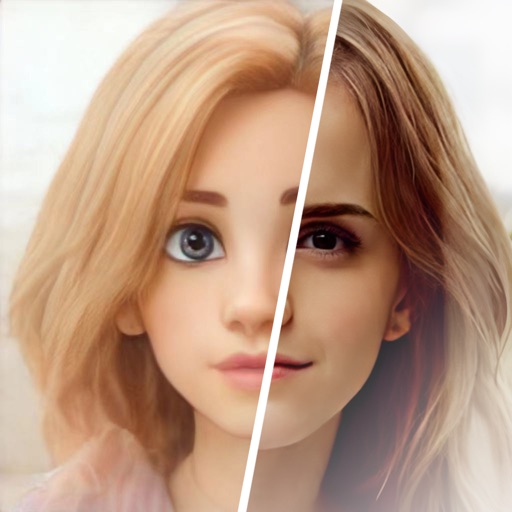
Edit photos with AI-powered cartoonization, face swap, and HD wallpaper generation. Apply filters and adjust colors. Save and share edited images directly.
Add , radial effects, and filters to photos with one tap. Adjust focal points, zoom, and rotate elements. Customize line thickness, opacity, and color for detailed edits.
The app allows users to view and photograph the world with a pixellated, low-resolution aesthetic. Users can achieve looks reminiscent of 80s graphic adventure games or NES titles with adjustable pixel sizes and classic color palettes.
Edit photos with filters, adjustments, effects, blur, and focus. Crop, rotate, and draw on images. Apply tone curves and enhance details. Save and share edited photos in various formats.
Add timestamps to photos with customizable styles and colors. Import images from your gallery to apply timestamps to past moments. Edit and share photos with added date and time details.
SOLDD E-TICARET BILGI VE DANISMANLIK INSAAT OTOMOTIV ANONIM SIRKETI
Edit photos with AI-powered tools
AI Portrait Perfection: Generate realistic portraits from photos with advanced AI. Edit skin tones, remove blemishes, and enhance details. Adjust lighting and shadows for natural results. Export edited images in high resolution.
The app provides a kaleidoscope filter and 27 art filters for taking photos. Users can adjust focus, exposure, and filter parameters, with options for resolution and camera selection.
Create collages with single or multiple photos, up to 14 images. Add , backgrounds, and drawings. Share collages on Facebook, Instagram, Twitter, WhatsApp, and other platforms. Edit photos with basic tools and apply templates.
Edit photos with filters, backgrounds, patterns, textures, frames, and stickers. images to format. Access photos from the gallery or capture new ones with the camera. Apply creative tools to enhance and style images. Share edited photos directly.