The app offers live-calculated brushes and strokes that interact with a generated canvas texture. Users can adjust parameters like color and size while painting, and stroke size changes based on fingertip contact with the screen.
by Norbyte★ 4.7164 ratingsGraphics & DesignFreeData updated 2026-09-27
Color and paint animal drawings from a collection of . Choose from various , use different tools to fill in colors, and customize your artwork. Save and share completed drawings.
The app offers a magical world for users to become artists. It stimulates mathematical thinking with creative and educational experiences across four game modes and 27 coloring pictures in three themes.
LightPaint allows users to capture painting photos with full manual controls including ISO, shutter speed, focus, and white balance. It supports iPhone modes and real-time ambient detection. Users can create trails, star trails, and artistic effects.
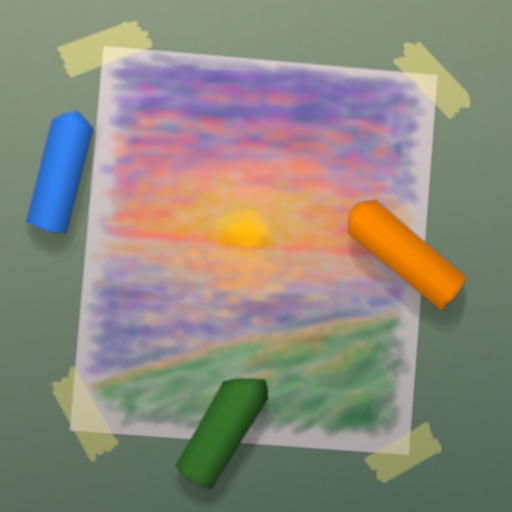
Paint images using realistic crayon-like brush tools. Choose from over 300 themed images including fruits, vehicles, animals, and dinosaurs. Add textures and colors to create detailed artwork. Share completed paintings with friends.
Read curated painting tutorials and techniques from magazine. Follow step-by-step guides to improve skills. Access different art styles and ideas each issue. Track progress through interactive lessons and practice exercises.
The app offers a user-friendly interface with cartoon icons to guide children. It provides various brush tools and paper options for natural painting styles and creative results.