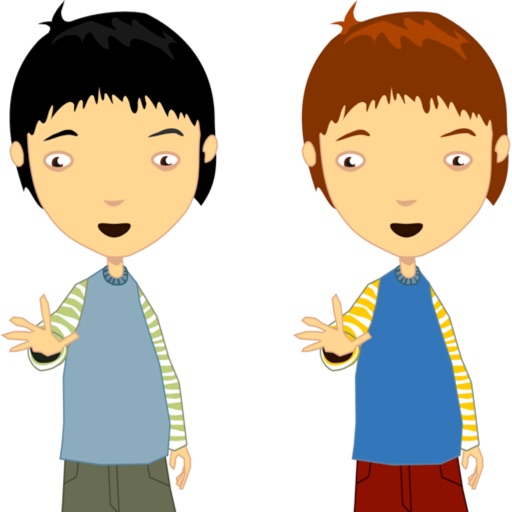
The app allows users to make a person appear twice in a picture, creating a twin effect. Results can be shared via social media or email, or saved to a photo album.
by Ramin Rezaiifar★ 3.67 ratingsEntertainmentFreeData updated 2026-09-26
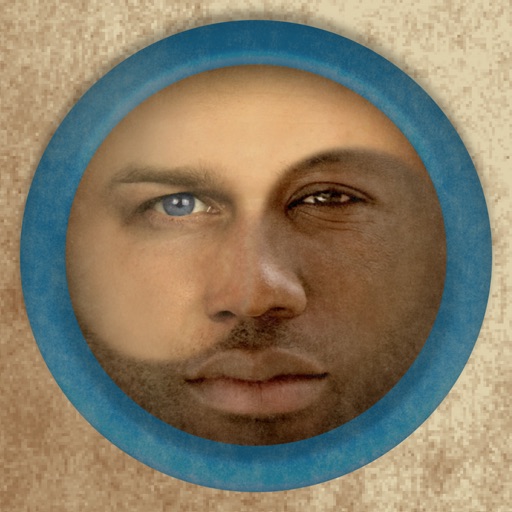
Merge faces to create humorous mixed images with friends, family, or celebrities. Adjust facial features and proportions. Share results via email, MMS, Facebook, or Twitter. Use preloaded example pictures or upload photos.
Create photobooks by selecting and automatically generating layouts. Choose templates, crop images, and arrange pages. up to 600 across 150 pages. Set prices starting at $18. Share completed photobooks via email or social media.
Turn photos into paintings with one-tap conversion. Edit, add signatures, and share on social media. Print artwork via CanvasPop with frame and size options. Transform videos into animated paintings.
Create twin-style photos by applying mirrored filters and effects to selfies. Swap faces in images and videos. Share edited photos directly to social media platforms. Add captions and stickers for humor.
Draw with responsive touch input and customizable brush sizes. Apply sparkle animations while creating art. Save drawings to the device photo album. Share completed artwork directly.
Create or photos using pre-designed templates or personal images. Add text, decorations, and personal messages. Share completed via email, messaging, or social media.
Create sketches using ink and effects. Preview effects in real time via camera. Adjust settings for optimal results. Capture photos directly within the . Share finished sketches on social media platforms.
Convert to PDF by selecting images and customizing layout, margin, page orientation, and paper size. Preview the PDF album before saving, sharing via email or SMS, or printing.
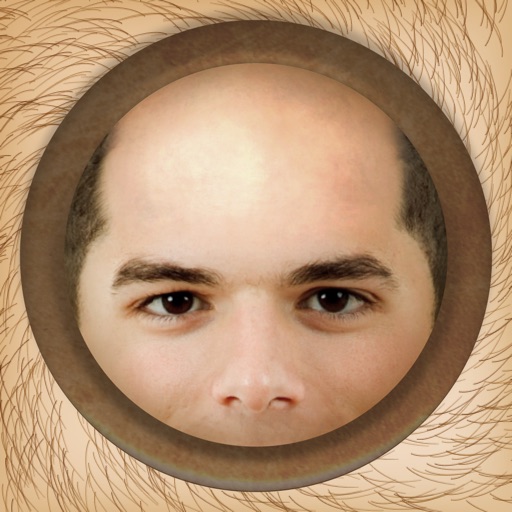
The app allows users to instantly make people bald in photos using an iPhone, iPod Touch, or iPad. It works with photos from the device's camera, photo library, or Facebook albums.
View and browse high-resolution art . Pull down to load more images. Save to photo gallery. Share via Facebook, Twitter, and Google+. Requires internet connection for image loading.
Tsingtao TikTok Information Technology Company Limited
Try AI haircuts in 15 seconds
Use AI to simulate styles from photos. Select an AI effect, upload a clear image, or take a photo. nd view the result in 15 seconds. Share the outcome directly.
Create album covers from photos with customizable templates and design tools. Add text, stickers, and parental advisory labels. Export and share finished covers directly.
Create customizable anime-style avatars by mixing and matching clothing items. Add emotion bubbles to express feelings. Share avatars on social media. Use as an avatar for personal and social interactions.
The app transforms user photos into pencil drawings with a sketch shine effect. Users can capture images, apply filters, and share their creations on social media or save them.
The app allows users to upload a picture and try on over 500 hairstyles with more than 50 color options. Users can select from various lengths and textures to see what suits their face shape.
Trim videos into segments with customizable speed settings from -8x to +8x. Preview and adjust each part precisely. Merge segments to create a final . Share on Facebook, YouTube, or save to album.