Apps Like MyPoint PowerPoint Presentation Pro for iPhone and iPad
Rehearse slides on the go
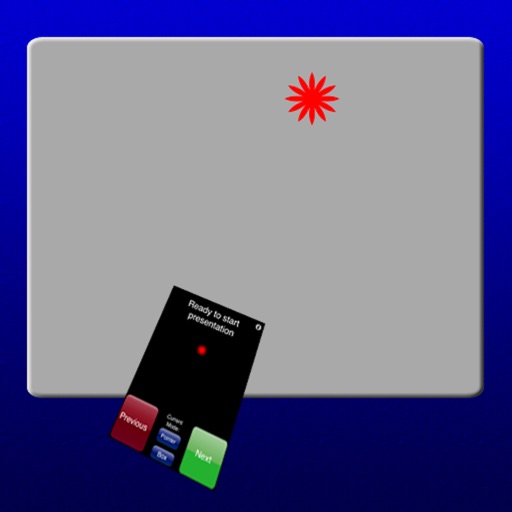
Control presentations from a mobile device. Navigate slides, adjust timing, and manage transitions during rehearsals. Display slides wirelessly via VGA adapter or AirPlay mirroring. View audience feedback and annotations in real time.
by Didonai LLC★ 1.715 ratingsProductivity$7.99Data updated 2026-09-08
Access event programs and schedules without paper. Build a personalized daily agenda with color-coded views. View real-time updates on program changes and upcoming sessions. Navigate event locations with animated maps.
Create and manage to-do lists by breaking down tasks into subtasks. Execute actions like scheduling meetings, sending emails, and organizing files. Set reminders and track progress across multiple projects.
™ turns a mobile device into a control for computers. It includes a cross-device clipboard for text and image transfer. Users can navigate with a virtual , keyboard, and touchpad. Specialized control panels allow precise device management.
Create and edit slides with a full toolset. Import and export PPT files for compatibility. Convert slides to PDF, TXT, or images for different formats. Organize content with intuitive layout tools. Share presentations directly from the .
Take notes with customizable ink styles and pressure-sensitive strokes. Choose from various pen tools and colors. Record and sync audio with writing. Draw precise shapes and lines. Share notes directly.
Create and edit presentations with slide editing tools. Import PowerPoint files (.PPTX) and continue work offline. Export as image or PDF. Use templates for marketing, sales, and other purposes. Customize themes and design slides.
Kal enables typing of Fidel characters with double tap or slide gestures. It includes an advanced word prediction algorithm for Amharic dictionary to enhance typing speed. Users can access multiple keys through gesture inputs.
Record and analyze speeches with real-time feedback on pacing, filler words, and clarity. Practice presentations and sales pitches with gamified lessons. Track progress and refine delivery through targeted exercises and performance metrics.
Create dynamic presentations with drag-and-drop organization of documents, videos, and media. Add text, symbols, and shapes. Navigate between slides and embedded content during presentations. Export and share final presentations.
Access conference details, presentations, and exhibitor information. Take notes on slides and draw directly on them. Connect with other attendees and manage event-related content.
Access templates for presentations across business, education, and other categories. Choose and customize designs with text, images, and layouts. Export slides directly to files. Sync presentations with cloud storage services.
Control computer functions with touch gestures, keyboard input, and movements. Transfer text and images between devices using the cross-device clipboard. Access specialized control panels for enhanced device management.