Edit photos by flipping or mirroring with a finger swipe. Resize images using the same gesture. Create mirrored copies next to original photos. Save and share edited images directly.
by Hor-Lin Khai★ 4.7544 ratingsPhoto & VideoFreeData updated 2026-09-08
Optimize images for web, print, or storage with adjustable compression settings. Export in various formats. Batch process multiple files. Preview and adjust quality settings before saving.
Create collages by overlapping photos in various layouts. Move, rotate, zoom, and sketch images. Add text, stickers, and effects. Choose from square, rectangular, or single photo arrangements. Share directly from the .
Edit photos with AI-powered restoration, enhancement, and retouching tools. Fix blurry images, adjust colors, and remove imions. Convert black and white photos to color. Export and share edited images directly.
Add watermarks or logos to photos and videos. Upload custom logos or text for copyright protection. Apply watermarks to multiple files at once. Edit images and videos with overlay options. Save and share marked content directly.
Edit photos by swapping faces using AI technology. Select source and target images to replace faces. Adjust details for realistic results. Share edited images directly.
Create albums and collages with customizable text, fonts, and colors. Add stickers, , and backgrounds. Design greeting cards with personal messages. Edit images with predefined styles and categories. Share edited photos directly.
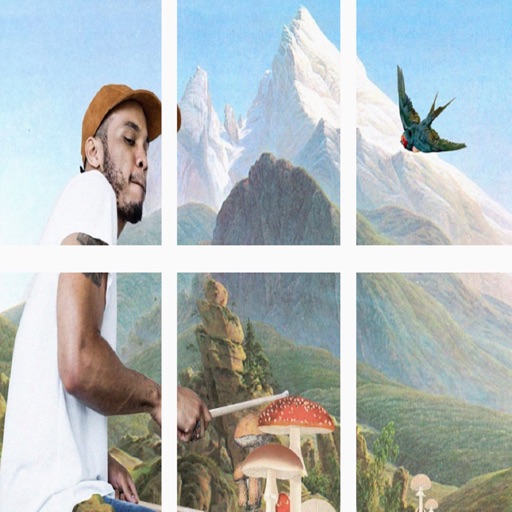
Split images into 1x2, 1x3, 2x3, 3x3, or 4x3 grids. Adjust photos by zooming, moving, or rotating. Export high-resolution splits. Post split images directly to Instagram as a single photo.