The app is a vector drawing application that utilizes bezier lines for creating illustrations. It allows users to export their work in common image formats like tiff, png, jpeg, gif, and bmp.
by NOKKEUSI Inc.★ 0.00 ratingsDeveloper ToolsFreeData updated 2026-09-25
The app offers on-device photo editing with AI features like background removal and auto-enhancement. It includes over 38 filters, stickers, text editing, and export options for HEIC, JPEG, or PNG formats.
Manage and organize creative projects in one place. Import and export files. Edit art with high zoom, animation tools, and color palette customization. Create and animate sprites for retro-style games.
Convert images to scalable formats like SVG or EPS. Upload PNG, JPG, or BMP files and automatically trace edges for precise outlines. Edit paths, adjust colors, and export files for printing, web use, or CNC cutting.
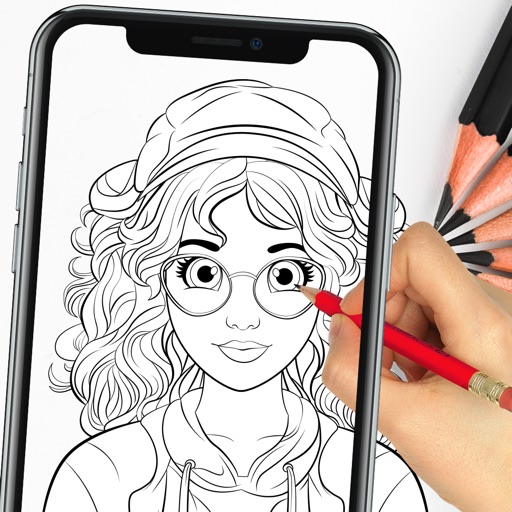
Use camera to project image outlines onto paper for tracing. Choose images from gallery or collection. Follow lines to practice sketching. Suitable for beginners, artists, and students. Improve hand-eye coordination.
The app allows users to create personalized folder icons for macOS. Users can customize folders with PNG images, text, or artwork, applying new icons by dragging them onto folders.
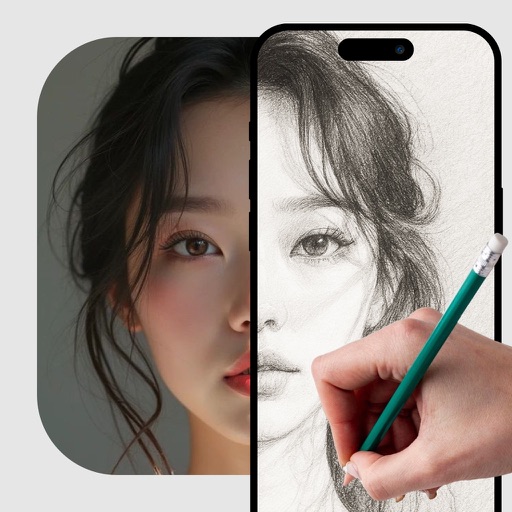
Convert photos into -art drawings with adjustable thickness and volume. Save and share creations in black and white or color. Apply hand-drawn effects to friends, pets, or locations.
Download for to enhance illustrations. Access free and weekly new content. Use textures, fonts, stickers, and 3D models created by professional artists. Export and share artwork directly.