The app is a vector drawing application that utilizes bezier lines for creating illustrations. It allows users to export their work in common image formats like tiff, png, jpeg, gif, and bmp.
by NOKKEUSI Inc.★ 0.00 ratingsDeveloper ToolsFreeData updated 2026-09-25
Use AR to project drawings onto surfaces. and paint with customizable brushes and canvases. Save and share artwork. Adjust lighting and perspective for realistic effects. Import images to base sketches on.
Create and customize digital artwork with a wide range of colors and brushes. Choose from pre-designed pages or upload personal images for . Switch to dark mode to reduce screen strain. Save and share completed drawings.
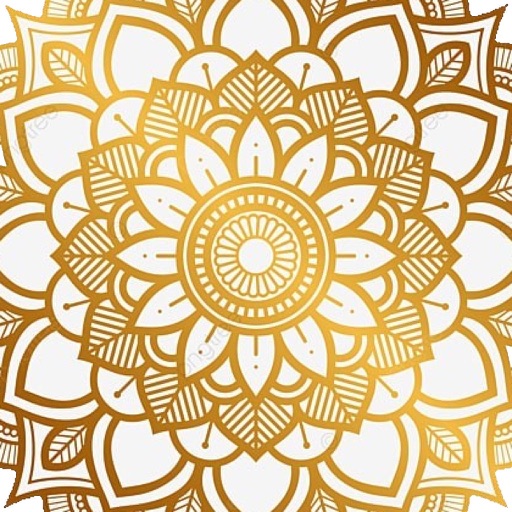
Create intricate drawings with customizable symmetry, background color, and brush settings. Apply shadows and use predefined patterns or images for inspiration. Export and share finished designs.
Create mandalas with customizable symmetry and brushes
Create intricate mandalas by adjusting canvas symmetry, background color, and brush settings. Use predefined patterns or images for drawing. Apply shadows and customize center points. Save and share completed designs.
Create clouds with customizable shapes and fonts. Add text and adjust layouts. Export in 4K resolution. Support iPadOS trackpad and mouse. Remove small words and adjust margins. Include new outline and shape text tools.
Create avatars and wallpapers by painting or doodling. Access built-in resources for inspiration and guidance. Choose customizable painting lines to express creativity. Save and share finished artwork.
Draw on a using colored chalks with optional texture. Create unlimited blackboards with adjustable brush sizes and four background styles. Share drawings to Instagram.
Create art and cross-stitch patterns with palette selection and gridline toggle. Use eraser, drag or tap to draw, and long press to fill. Trace images and export as files. Supports cross-platform creation.