Reference allows users to view and search color gels from multiple swatch books. Filter gels by swatch book, hue, or color name. Access manufacturer details, transmission data, and neighboring color samples. Search by name, number, or description.
by Patrick Angle★ 4.619 ratingsReferenceFreeData updated 2026-09-08
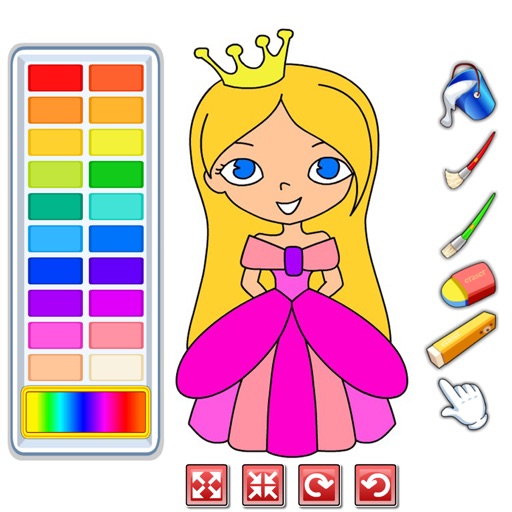
Choose from a variety of images to color. Select and apply multiple colors and tools to customize designs. Save and share completed artwork. Adjust brush size and opacity for detailed work.
Create and customize slimes with color mixing and decorations. Stretch, poke, and squish slimes with real motion controls. Play step-by-step with fun sounds and endless combinations. Each session offers new gameplay and interactive challenges.
The in up to six attempts. Letters change color to indicate correctness. Track stats and friends. Select individual letters, use dark mode, and request hints.
Color by number game allows users to select and fill numbered sections with colors. Complete puzzles by matching numbers to colors. Choose from various themed images. Save progress and share completed artwork.
Lets users choose from various pages to color. Features include brush for detailed artwork, multiple color options, and the ability to save and share creations. Pages can be zoomed and panned for better control.
Create pixel art by tapping and coloring by number. Select from a bright color palette to match designs. Access a wide variety of original, high-quality images. Save and share completed artwork.
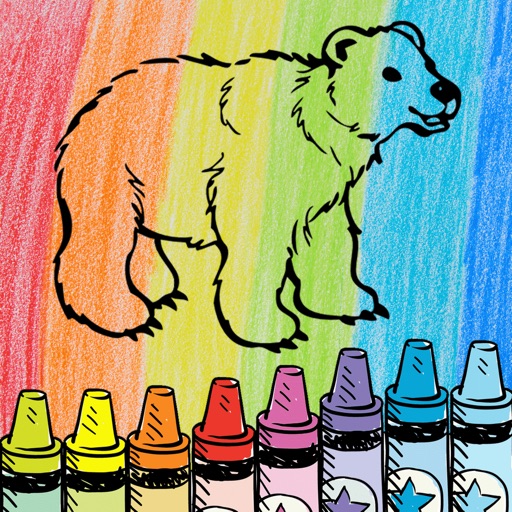
Children can draw and color using 8 different brushes including crayon, pencil, paintbrush, paintball, chalk, sponge, stickers, and stars. They can choose from over 100 pages. The includes fun effects, sounds, and stickers to enhance creativity.
Manage a barbershop by upgrading furniture and facilities. Hire staff, schedule appointments, and expand the business. Track customer preferences and apply new hairdressing techniques. Monitor finances and make decisions to increase profitability.
Allows users to select from various categories including movies, games, animals, dragons, dinosaurs, vehicles, buildings, flowers, and anime. Users can color pages, save their artwork, and share creations with friends and family.
Colored nuts into bolts by tapping and grouping same-colored nuts. Complete levels with increasing difficulty. Track progress and replay levels for practice. Focus on color matching and logical sorting to advance.
Edit videos with high-quality color grading tools. Adjust brightness, contrast, saturation, and hue. Apply custom filters and fine-tune each parameter. Export videos in various formats and share directly.
Apply color-correction filters to videos and photos. Adjust exposure, contrast, and color balance. Access 7 built-in filters with examples from 6 sets. Load media as a digital negative for detailed editing. Save all 6 filter sets for a limited time.
Play a casual puzzle game by tapping neighboring stars of the same color to pop them. Clear all stars for bonus points. Score based on the number of stars popped using the formula: Score = Stars Stars 5.
Tap color balls to them into matching color tubes. Choose from five difficulty modes and endless levels. Play without a timer for relaxed gameplay. Compete on Center for high scores. Progress is automatically saved.
Book offers animal-themed pages for kids to color using correct colors. Features include selecting colors, erasing mistakes, and saving progress. Includes educational content about and memes.
Drag shapes from the bottom pool to the playing field to form connected blocks of the same color or complete lines for points. Unlock new colors to increase scores. Prevent blocks from filling the playfield.
Capture photos with analog effects including black and white negatives, vintage negatives, and Lomo . Apply 95 filters for grain, light leaks, and blur. Adjust color, contrast, and brightness for realistic tones. Export and share edited photos.