The app replaces the Mac desktop with a drawing surface for notes and sketches. Users can draw freely with multiple pens, add text, and export doodles in various formats.
by James Griffin★ 0.00 ratingsProductivity$3.99Data updated 2026-09-25
Convert images between , PNG, GIF, BMP, TIFF, HEIC, and PDF formats. Select output format and save converted to the gallery. Share images directly from the converted .
Turn your into a digital notepad with freehand sketching and -taking. Capture ideas in any format, add text and drawings, and organize notes with folders. Export notes and share directly.
Create visual mind maps to organize ideas and projects. Link related information and collect thoughts in a structured flow. Track progress with visual timelines and set milestones for goal achievement. Share and export maps in multiple formats.
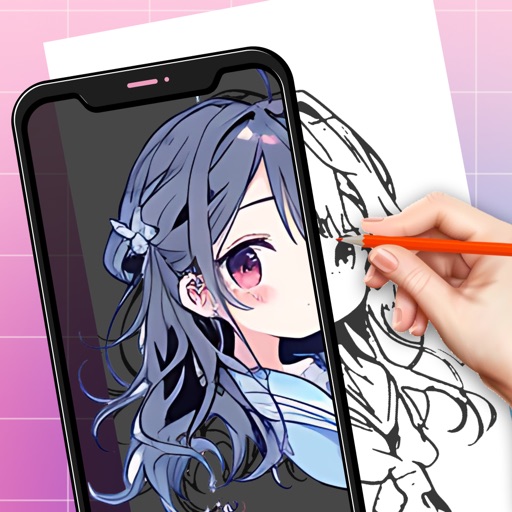
Create art using augmented reality by sketching and painting on any surface. Import or select artwork, adjust transparency and contrast for tracing. Position phone on a stable surface above a canvas to project and draw.
Allows users to writing, sketching, and lettering. Select from various letters and words to write. Adjust stroke pressure and speed. Save and review progress. Export sessions as images. Sync with cloud storage for access across devices.
Georgia Association for Career & Technical Education, Inc.
Access conference details and notes
Access conference details, presentations, and exhibitor information. Take notes on slides and draw directly on them. Connect with other attendees and manage event-related content.
The app is a vector drawing application that utilizes bezier lines for creating illustrations. It allows users to export their work in common image formats like tiff, png, jpeg, gif, and bmp.