The app helps students visualize time for better productivity. It includes a digital display and a bar graph for younger children to understand remaining time.
by Ventura Educational Systems★ 2.02 ratingsEducation$1.99Data updated 2026-09-25
Pop Out displays a floating , , pomodoro, or in picture-in-picture mode. Users can move, resize, or hide the window. It supports precise timing for tasks like presentations or workouts. Subscription payments are processed through iTunes.
Turn your iPhone or iPad into a functional watch with a always-on . Adjust brightness manually. Set countdown timers up to 24 hours. Use Pomodoro Technique with 25-minute intervals and 5 or 10-minute breaks.
Track and register reports daily, monthly, and yearly. Set hourly goals for specific timeframes. Calculate remaining hours to meet goals. Visualize progress toward goals with real-time updates. Adjust goals as needed throughout the period.
A repeating allows users to set duration and count for timed intervals. It supports home and lock screen widgets, Siri and Shortcuts integration, and quick entry. Notifications alert users for each repetition.
Create timers for upcoming events and dates. Set reminders for birthdays, diet periods, workouts, and holidays. View remaining time in days, hours, minutes, and seconds. Receive notifications when time is up.
Display time in 12 or 24-hour format with seconds and date. Customize appearance and choose themes. Set alarms with customizable sounds. Control screen brightness and activate flash torch. Include standby and interactive widget features.
The app collects, visualizes, and analyzes STEM learning data. It graphs live sensor data in real time and connects to wireless Bluetooth Smart sensors.
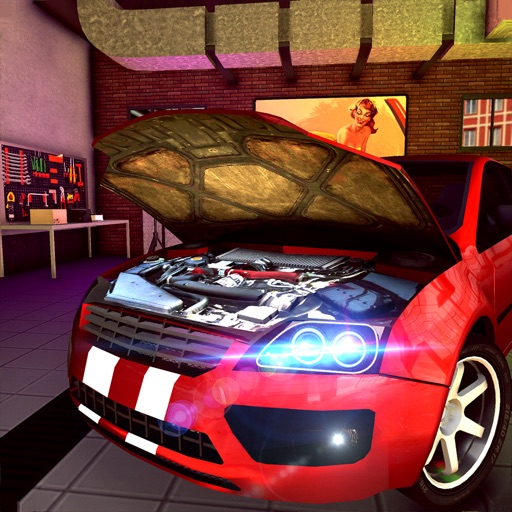
Manage a car repair shop by cleaning vehicles, changing tires, installing alloy rims, repairing engines, denting luxury cars, painting vintage models, and remodeling old cars.
Track time with customizable notifications. Choose from various sounds like beeps, chimes, or spoken words. Set custom messages to display on the screen. Specify exact times for alerts, including hours, half-hours, or custom intervals.
Monitor phone battery level and charging status through watch complications. Set custom thresholds for charge notifications. View real-time updates on clock faces. Sync battery data automatically between phone and watch.
Track daily and view progress against goals using a graph. quickly a simple interface. Display history in a support for pounds and kilograms. Set reminders and access historical data.
A that repeats alarms and vibrations at set intervals. Users can input notes and specify time in minutes and seconds. It counts elapsed time, vibrates, and reads aloud. Works in background and lock screen. Notifies every 5 seconds.
Practice with customizable difficulty levels. Listen to word pronunciations, view definitions and example sentences. Track progress with graphs and charts. Set reminders for regular practice. Review past attempts and performance history.
Manage multiple timers simultaneously with customizable categories for different activities. Set and save timer durations, start them with a single tap, and view progress through a visible bar. Display closing times to help organize schedules.
Create rhythmic patterns with triplets, dotted notes, and custom time signatures. Set subdivisions per beat. Save setups in setlists. Use Coach and Automator modes for timing practice. Adjust tempo and display options. Export patterns for later use.
Record and visualize pitch with a scrolling graph display. Adjust temperament settings to Equal, Just, or Pythagorean. Store recorded sessions for review. Compare played notes against reference tones.