The app uses live-calculated brushes and strokes with HDR values for a unique art style. It offers gritty paper/canvas textures that interact with drawing tools for a satisfying look.
by Norbyte★ 4.7938 ratingsGraphics & DesignFreeData updated 2026-09-25
Draw and share illustrations with real-time collaboration tools. Access a community with millions of user-generated artworks. Use advanced drawing features for precise line work and color blending.
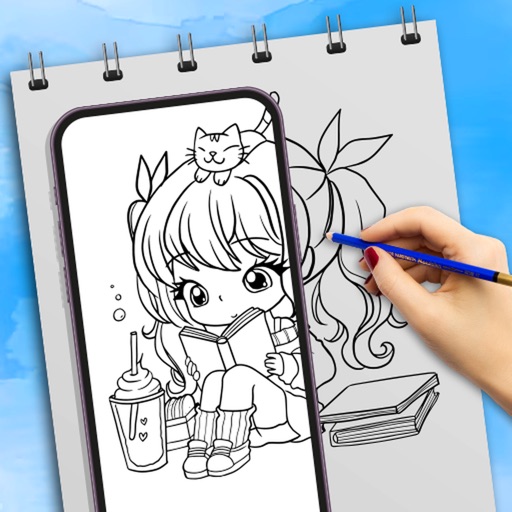
Use camera to draw and paint in augmented reality. Access tracing templates for animals, cars, nature, food, anime, and more. Adjust brush size and color. Save and share artwork directly.
Draw and color characters directly on the screen or with a pencil on paper. Access a public gallery to share art. Follow step-by-step drawing guides. Color pages with solid or gradient colors. Color pixel art by numbers.
Create designs with a flexible canvas and 45+ device frames. Sketch with Apple Pencil, build wireframes, and develop interactive prototypes. Collaborate in real-time and export designs in multiple formats.
Create using a drawing interface with customizable brushes and pencils. Import and animate vector graphics. Export frames as images or video. Add sound effects and background music. Share directly to social media or email.
Allows users to select from hundreds of free pages ranging in complexity. Users can create custom doodles and save or share their artwork. Features include real-time drawing tools, color selection, and page zoom.
Create digital paintings with realistic brush strokes and textures. Smear and blend paints to control coverage. Adjust paint consistency and paper roughness for authentic effects. Export artwork in various formats and share directly.
Create and edit drawings with over 20 colors and adjustable brush sizes. Save drawings and their creation process in a built-in gallery. Replay or resume drawings at any time. Draw on iPhone, iPad, or iPod Touch.
Access -themed pages and drawings. Create and customize artwork with easy-to-use tools. Share finished drawings via the . Includes a pixel art workshop for detailed designs.
Use phone camera to project anime-style templates onto paper or surfaces. Trace outlines to create art. Adjust lines and colors. Export drawings in various formats. Sync with digital tools for further editing.
Create and share digital art with coloring pages, art games, and tracing tools. Design in 3D and display creations in a personal digital museum. Collaborate on drawings with friends and family.