Edit photos with over 20 available effects. Apply filters, adjust brightness and contrast. Crop and rotate images. Save and share edited photos directly.
by 源 温★ 0.00 ratingsPhoto & Video$2.99Data updated 2026-09-08
Edit photos with a wide range of filters and advanced editing tools. Adjust brightness, contrast, and saturation. Add text and stickers. Export images in various formats and share directly.
Edit photos with filters inspired by 70s, 80s, and 90s film cameras. Add light leaks and dust overlays. Adjust brightness, contrast, and saturation. Save edits in various formats and share directly.
Capture photos with a vintage aesthetic. Apply pre-designed effects to mimic real tones. Use a simple interface to take instant photos without editing. Share finished images directly from the .
Add , emojis, or pixelation to hide faces in photos. Automatically detect faces and apply chosen effects. Choose from fun stickers or privacy-focused filters. Edit and save modified images directly.
Post photos and videos without cropping for Instagram. Add blur backgrounds automatically. Resize, rotate, and zoom content within the square. Apply effects, filters, stickers, and text. Select no layouts. Support 1080P video. Save in high quality.
Edit photos with detailed controls including frames, filters, contrast, brightness, and saturation. Adjust images to create a classical atmosphere. Apply effects and save changes to the device's photo album.
Edit photos by adding -themed like trees, presents, and Santa Claus. Select images from the gallery or capture new photos with the camera. Apply HD quality to enhance holiday pictures. Share edited photos directly.
Edit photos with advanced filters, exposure adjustments, and color grading. Crop, rotate, and straighten images. Add text, stickers, and borders. Export in various formats and share directly.
Edit photos with filters, stickers, and collage templates. Apply effects in real-time with adjustable parameters. Record videos with similar editing options. Use face recognition to automatically position stickers.
Edit photos and videos with AI-powered tools, apply cinematic and anime styles, and use prompts to generate creative effects. Adjust colors, crop, and add text. Share edited content directly.
The app offers a variety of effects for photos and videos with real-time preview. Users can adjust brightness, contrast, and contour for different looks.
Edit photos by selecting from a gallery or capturing new images. Apply unique and not found elsewhere. Adjust background colors and photo size. Combine multiple with a single tap. Export and share edited photos.
Create creative photos using unique and layouts. Apply effects like blurring and rain. Share finished edits via social media. Add photos to and adjust layouts.
The app is a bitmap image editor for creating custom glitch effects. Users can layer filters, pixelate images, adjust color and orientation, or apply multiple filters at once.
Edit photos by adding colors to specific areas. Use shape to highlight sections with desired shapes. Apply filters, adjust colors, and use brush tools. Undo and redo changes. Export edited photos in various formats.
Apply to images. Choose from Niagara Fall, sea surf sunset, and nature scenes. Share edited photos with friends and family. Add special effects to capture memorable moments.
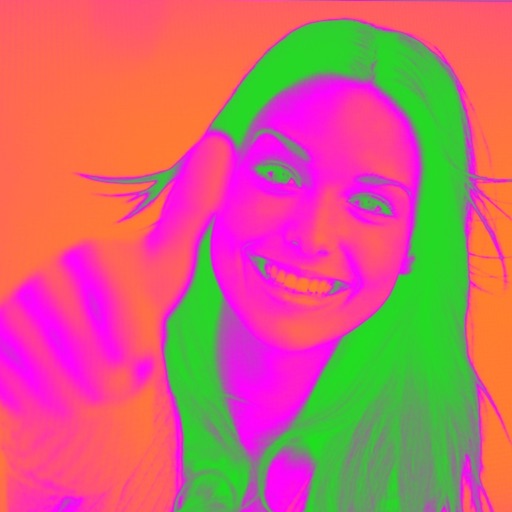
Turn your camera into a creative tool with . Apply fluorescent color filters to photos. Choose from 30 color combinations. Tap to switch views and capture images with unique color effects. Share edited photos directly.