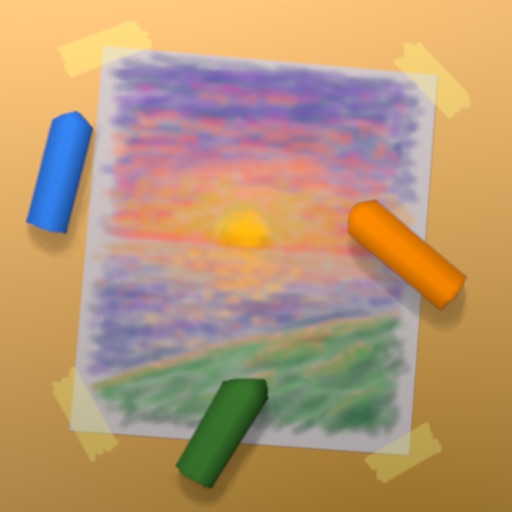
Create artwork with realistic pastel simulation using live-calculated brushes and strokes. Sketch or paint digitally, test compositions, and refine techniques without physical supplies. Save and share paintings directly.
by Norbyte★ 4.72,152 ratingsGraphics & DesignFreeData updated 2026-09-08
Edit Instagram stories with film-style templates featuring dust, scratches, and light leaks. Create super 8 film overlays for vintage looks. Add paper textures for atmospheric effects. Apply categorized templates to single photos or collages.
Create and share sketches with realistic brush strokes and modeling effects. Study forms, shapes, and architecture. Save drawings to photo library or social media platforms like Twitter, Facebook, and Sina Weibo.
Create art with customizable colors, brush sizes, and opacity. Import photos from camera or library. Save and share designs via social media, email, or SMS. Clear canvas for new creations.
The app offers a digital canvas for idea sharing and distance learning. Users can annotate and sketch on a whiteboard or over live video, import images, and manage saved whiteboards.
Create and customize digital pages with a wide range of colors and brushes. Select from multiple pre-designed images. Save and share completed artwork. Develop fine motor skills and creativity through interactive .
Offers hundreds of patterns featuring flowers, sea, and fantasy scenes. Users can with customizable tools and save their work. Includes blank pages for freehand and relaxation.
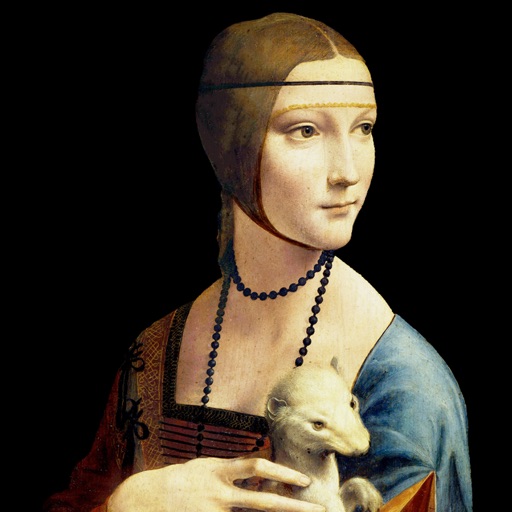
Explore detailed information about including title, artist, creation date, dimensions, medium, and current location. Mark as favorites for quick access. Add customizable widgets to your home screen for easy viewing.
Create drawings and color images with tools for filling, erasing, and selecting colors. Choose from themed pages featuring animals, vehicles, dinosaurs, and space. Save and share completed artwork.
Teaches drawing through interactive lessons and animated strokes. Breaks down drawings into simple shapes. Allows users to practice on a digital canvas. Offers guidance for both beginners and experienced artists.
Images using a smart palette and blending mode. Choose from mandalas, florals, animals, and patterns. Create custom designs or by number. Export finished artwork to PDF. Quick access to numbers via tap and hold.