Allows users to edit group photos by removing unwanted people or faces. Adjust expressions and reposition individuals within the frame. Apply filters and effects to enhance the overall appearance of the image.
by Yair Bar-On★ 4.3851 ratingsPhoto & VideoFreeData updated 2026-09-08
Edit photos with -themed and effects. Choose from multiple creative designs. Import images from gallery or camera. Adjust brightness, contrast, and color. Share via Facebook, Instagram, or WhatsApp. Save high-resolution versions.
Find differences between two identical photos within a time limit. Tap on suspected differences to mark them. Correct selections highlight the changes, while incorrect taps reduce time.
Edit photos with stretching, squeezing, pinching, and prodding tools to create surreal effects. Apply advanced image manipulation techniques similar to professional software. Export edited images in various formats and share directly.
Edit photos with and vintage effects like lights, Miami Filter, and UV. Apply gradient map-based for night lighting. Create abstract designs with colored glass effects. Adjust brightness, contrast, and color balance.
Edit photos with filters, cropping, and adjustments. Change backgrounds and add stickers. Create collages and customize . Design Facebook and Instagram posts and stories. Export edited images in multiple formats.
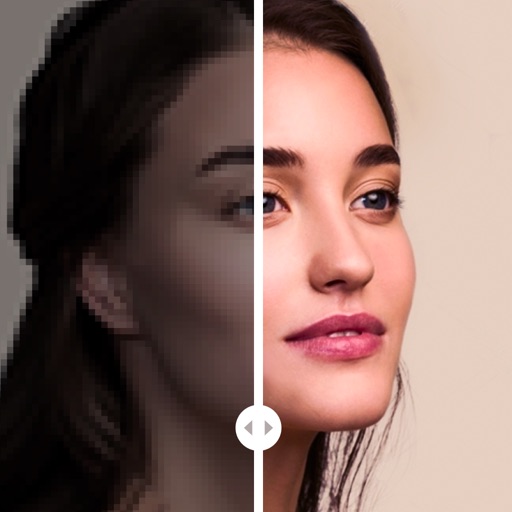
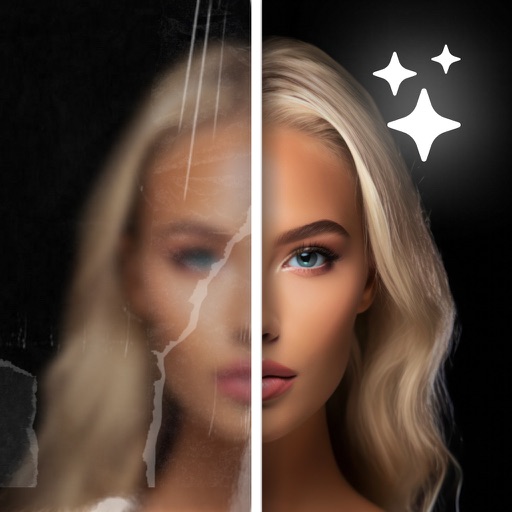
Enhance photos by unblurring, restoring, and colorizing images with AI. Adjust details for clarity and sharpness. Export edited photos in various formats and share directly.
Reduce photo file size while maintaining quality. Resize images to fit specific dimensions. pictures for email, social media, or upload. Save storage space by optimizing image formats. Share compressed directly from the .
AI Enhancer improves quality using artificial intelligence. Enhance clarity, sharpness, and lighting with one tap. Upscale images to increase resolution without quality loss. Automatically enhance faces and remove blemishes.
Edit photos with tool to reshape body parts. Use reconstruct brush to adjust features. Resize , breasts, and waist. Add filters and effects. Save and share edited images.
Capture photos with customizable spring . Add to existing or new photos. Organize photos into albums. Share edited photos directly. Edit images with frame adjustments and effects.
Convert photos into artistic styles like cartoons, watercolors, and pencil sketches using AI. Apply filters and adjust details. Save and share edited images directly.
Edit photos with smart foreground recognition to isolate subjects. Add customizable with options for font style, size, color, opacity, alignment, spacing, shadow effects, and background colors. Crop images using an easy-to-use tool.
Apply Lightroom to photos and videos with one click. Access 270+ organized into 45+ thematic collections. Export DNG and 3DLUT for use in Lightroom desktop and mobile. Edit photos and videos directly within the .
Images using adjustable strength and soft/hard brushes. Remove stains and defects from photos. Enhance images with high-resolution editing and zoom. Apply focus to hide unwanted details. Offset wrist to avoid finger obstruction during editing.
Use iPhone as with zoom features. Take photos using high-quality overlay. Choose from various overlays to customize appearance. Adjust camera view for zoom in and out. Capture images directly from the camera.
Capture low-resolution photos and videos in multiple formats including 144p, 288p, and 360p. Record with or without audio to reduce file size. Use flash and GPS location tagging (available as an upgrade). Preview image quality in real time.