Create photo collages by selecting and arranging images. Adjust layout, colors, and borders. Export collages in various formats and share via email or social media. Import photos from devices or cloud storage.
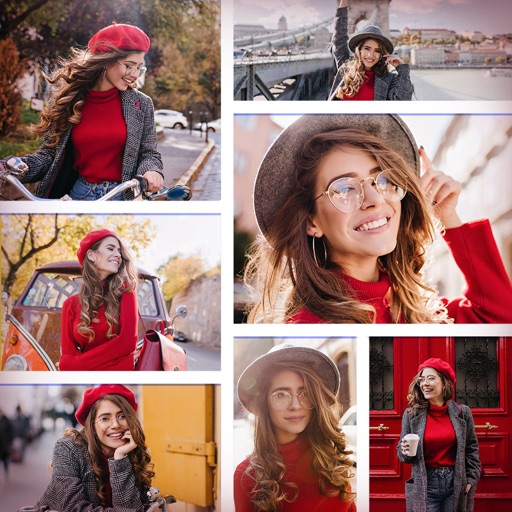
Create collages by adding photos from the library or camera. Choose from multiple frames like heart, round, and star. Adjust photos by moving, pinching, and rotating. Select different backgrounds or use a photo as the background.
The app allows users to create unique images with special effects by combining photos with text. Users can add stylish text, masking, collages, frames, filters, and geometric shapes to their photographs.
Edit photos with filters, cropping, and brightness adjustments. Create collages using customizable templates. Add stickers, text, and drawings. Design storybooks with pages and layouts. Share edited content directly to social media.
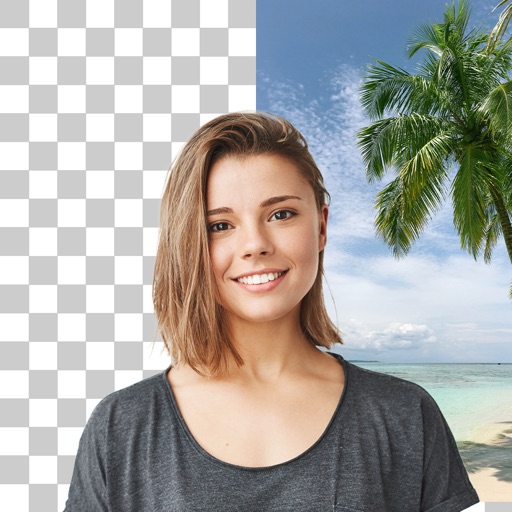
Edit photos with cropping, filters, and adjustments. Remove unwanted objects or people using the Magic tool. Replace backgrounds to create montages. Create collages with pre-designed templates. Export edited photos in multiple formats.
Create collages by combining multiple photos and videos. Choose from , poster, or editor modes. Adjust layouts, add effects, and stitch content together. Edit images with filters, cropping, and text overlays.
The app allows users to print JPEG images from their device or take new photos for printing. Users can select partitioning options for 1, 4, or 10 images per sheet and print up to four copies at once.