Create custom photo frames by selecting layouts for 2 or 3 images and adjusting rounded corners. Choose from various frame shapes and colors. Adjust sizes for printouts, wallpapers, or other formats.
Adds depth effects to portraits using neural network technology. Adjusts background blur manually for precision. Offers multiple blur settings to customize the artistic effect.
Create videos from text, images, or templates using AI. Generate motion graphics, animations, and cinematic scenes. Export for TikTok, Reels, YouTube Shorts, ads, and social media. Customize style and duration. Add text, music, and transitions.
Edit photos with filters, effects, and auto retouching. Apply unique styles and vintage looks. Adjust brightness, contrast, and saturation. Add text and stickers. Export and share edited images directly.
Create artistic images by masking subjects and separating them from backgrounds. Apply filters to subjects or backgrounds for dramatic effects. Adjust styles and textures to enhance visual impact. Share edited photos directly from the .
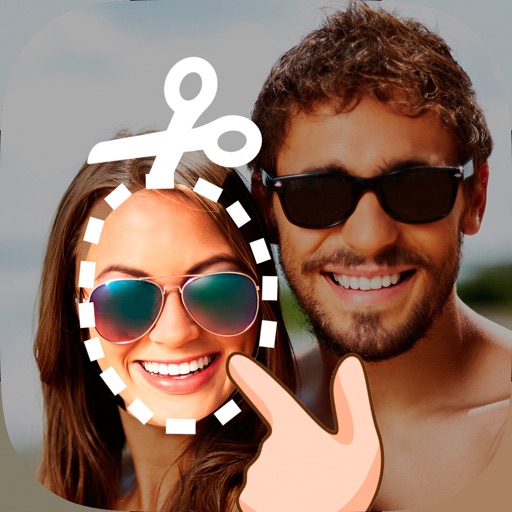
Edit photos by cutting and pasting faces, removing backgrounds, and deleting unwanted people. Add missing faces to photos. Use the silhouette head tool to select and edit elements. Export edited images directly.
Automatically detects subjects and backgrounds to create bokeh effects. It applies Gaussian, motion, or zoom blur. Built-in filters enhance photos. No manual object selection is required.
The app translates Final Cut Pro X Library XML for import into Adobe Creative Cloud apps, Premiere Pro, After Effects, Audition, and Final Cut Pro 7. It prepares Final Cut Pro XML for use in other applications like Avid Media Composer and Pro Tools.
Create pixelated photos with customizable frames. Apply blur and black-and-white effects. Adjust touch controls for creative effects. Choose from available frames or customize your own. Export and share the final image.
Take high-quality photos with manual controls similar to a DSLR . Use bulb exposure for long exposures and motion blur. Apply neutral density filters to control light intake.
The app offers a dedicated editor for time-lapse sequences with frame-level editing and framing capabilities. It supports RAW photo capture and 4K video recording, with smart exposure to prevent flicker.