Create photo collages and composite images using multiple layers. Remove unwanted areas with the background eraser tool. Adjust color tones and export edited photos in various formats.
by handyCloset Inc.★ 4.81,329 ratingsPhoto & Video$4.99Data updated 2026-11-13
Photos by selecting and painting over areas with a magnifying glass tool. Adjust intensity and apply pixelation effects. Remove blemishes and add filters. Export edited images in high resolution.
Edit photos with and subject focus tools. Adjust intensity manually or automatically. Remove unwanted objects from the . Apply filters and make color adjustments. Save and share edited images directly.
Create collages with single or multiple photos, up to 14 images. Add , backgrounds, and drawings. Share collages on Facebook, Instagram, Twitter, WhatsApp, and other platforms. Edit photos with basic tools and apply templates.
Capture and edit real estate photos with advanced tools. Apply professional-grade filters and adjustments. Export edited images directly. Access tutorial videos for photography tips. Receive near-pro results via email.
The app creates ID photos on a phone, optimized for Japanese requirements. It offers fine face adjustment, background control, skin retouching, and custom sizes.
Remove unwanted or objects from photos using AI-powered detection. Edit images to eliminate distractions instantly. Save and share the cleaned photo directly.
Create a with realistic stickers. Age faces instantly using advanced filters. Edit photos with stickers, text, and . Share edited photos directly. Transform images into old-age versions with tools. Export in multiple formats.
Create collages by combining up to 20 photos. Choose from 100+ layout options. Edit images with filters, stickers, text, and doodles. Adjust ratios and background styles. Save and share the final design.
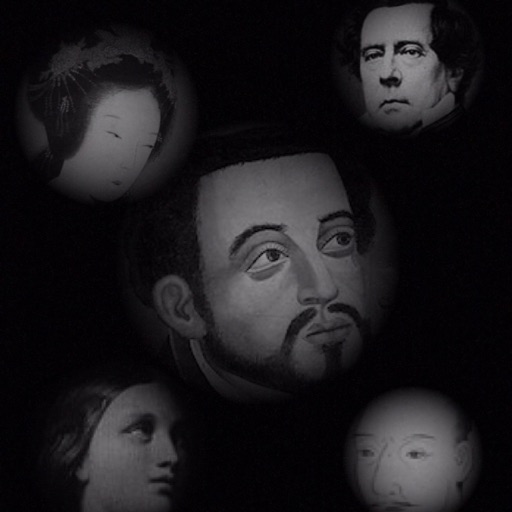
The app allows users to compose photos by combining images of people. Users can synthesize images in color or black and white, and adjust the size of faces using pinch gestures.