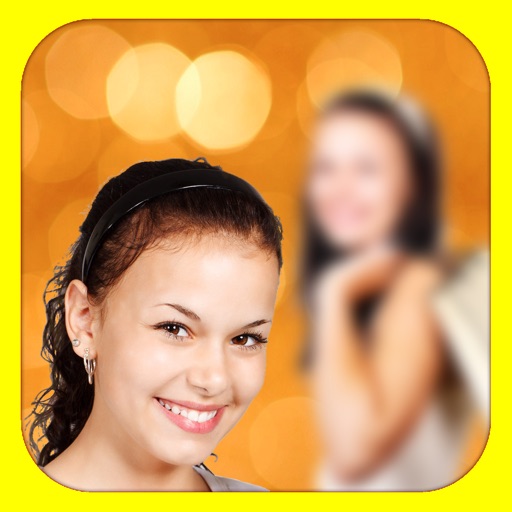
Create blur effects by tracing fingers over photos, with automatic border correction for natural results. Zoom in or out using pinch gestures for precise adjustments. Check results by tracing over the screen.
by Hiroyuki Fushida★ 3.97 ratingsPhoto & VideoFreeData updated 2026-09-08
Resize images to fit various formats like Instagram posts, stories, Facebook covers, or custom ratios. Adjust aspect ratios manually or select preset options. Apply Fit or Fill modes to scale images without cropping or stretching.
Apply to photos with adjustable strength and shape options. Add 50+ filters and crop images. Use double exposure feature. Edit smoothness and export edited photos.
Edit photos with -themed and effects. Choose from multiple creative designs. Import images from gallery or camera. Adjust brightness, contrast, and color. Share via Facebook, Instagram, or WhatsApp. Save high-resolution versions.
Users can initiate three-minute video chats with potential matches. Adjust blur levels to control visibility during conversations. View profiles and match with others based on interest. End conversations and receive notifications for new matches.
The app adds depth of field to images, creating realistic blurs with Bokeh effects. Users can adjust blur amount, paint focus areas, and share creations on social media or save them.
APPAS SOLUTIONS, SOCIETATEA CU RASPUNDERE LIMITATA
Take photos with 32x
Use 32x with pinch-to- controls. Take photos or record videos in 32x mode. Manually focus and use continuous flash. Save photos and videos in a private album. Import or export media from the private album.
Edit photos by selecting from gallery or camera. Cut out the main subject with tools. Replace the using gallery images or built-in options. Save and share the edited .
Edit photos with splash effects, convert images to black and white, or apply custom colors. Add filters, zoom in on photos, and use a brush tool. Export and share edited images directly.
Remove unwanted parts of photos using AI-powered erasing. Add colors or images to create new backgrounds. Crop, draw over, and undo edits. Zoom for precision and blur edges. Save and share edited photos.
Video allow editing with watermarks and doodles, exporting and deleting background music, and converting videos to livephotos. Image generate word cloud, polygon, and block-style wallpapers from keywords or images.