Create kaleidoscope patterns by swiping fingers across the screen. Adjust the number of lines and line color. Use multi-touch for advanced control. Save generated artwork to the device's Camera Roll.
by Aaron Neugebauer★ 4.58 ratingsEntertainmentFreeData updated 2026-09-08
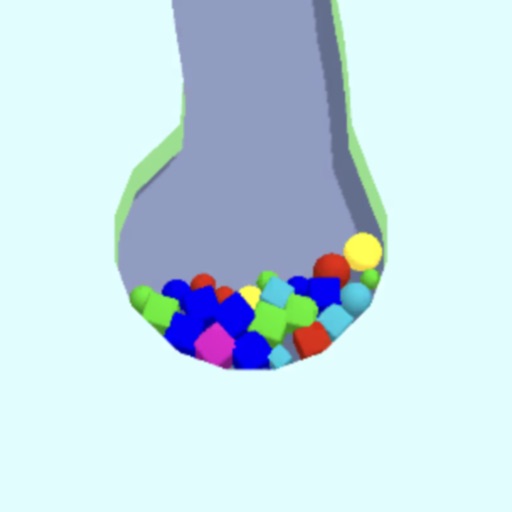
Guide into baskets by sliding fingers to create channels. Adjust ball paths to avoid obstacles. Complete levels by directing all into targets. Track progress through level completion.
Create directly in iMessage using templates from .com or Giphy. Search for trending or custom ones. Add text, images, and stickers from the camera roll. Share instantly within conversations without switching apps.
The app offers coloring fun with shapes for children aged 3 and up. Users can color drawings by brushing their finger on the screen, with sounds and multiple languages available.