Create kaleidoscope patterns by swiping fingers across the screen. Adjust the number of lines and line color. Use multi-touch for advanced control. Save generated artwork to the device's Camera Roll.
by Aaron Neugebauer★ 4.58 ratingsEntertainmentFreeData updated 2026-09-08
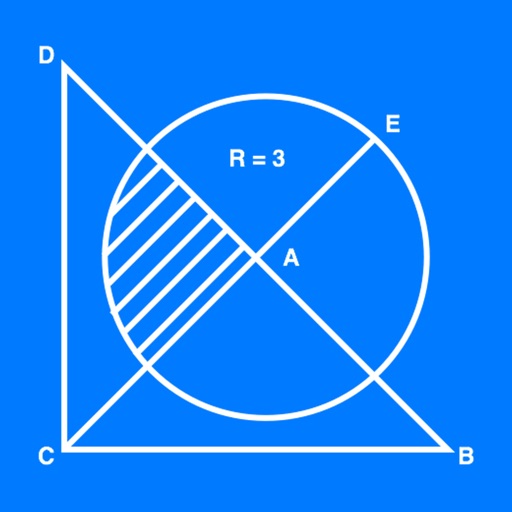
The app allows users to create geometrical figures, points, circles, and polygons. It can also create parallel lines, perpendicular lines, lines with a given angle, midpoints, and intersections.
Create artwork by selecting images and following guides. Tap to and fill sections. Choose from themes like animals, flowers, and nature. Save and share completed designs.
Customize playlists with recorded or imported music
Learn cause-and-effect relationships through music. Customize playlists by recording, singing, or importing songs. Use Momentary, Timed, or Advanced modes to control music playback duration. Trigger sounds with touch or voice commands.
The app transforms a smartphone into a remote mouse controller and presentation tool. It supports laser pointing and multi-touch mouse mode for presentations.
The app allows users to create animated or static messages and banners. It offers customizable fonts, sizes, LED configurations, and various animation effects for displaying text.