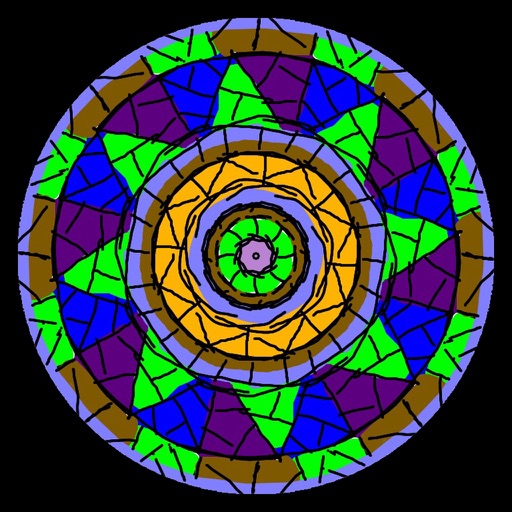
Create kaleidoscope patterns by swiping fingers across the screen. Adjust the number of lines and line color. Use multi-touch for advanced control. Save generated artwork to the device's Camera Roll.
by Aaron Neugebauer★ 4.58 ratingsEntertainmentFreeData updated 2026-09-08
Create glowing designs by drawing with your . Spin creations to watch them rotate. Customize colors and patterns. Save and share artwork. Explore calming, interactive art experiences.
A game allows offline art creation without ads. Users can color and draw princesses, unicorns, and animals. Features include animated elements that react to color, confetti effects, and a sketchbook interface for creative sessions.
Create and customize digital with a variety of color palettes and musical background tracks. Select from pre-designed patterns, apply colors to sections, and save or share finished artwork.
Create art with layer editing, color customization, and drawing tools. Add, delete, and copy layers. Adjust colors and save projects. Requires over 300MB free storage to create new projects.
By puzzles let users fill in numbered sections to create images. Choose from nature, mandalas, animals, and other themes. Save and share completed artwork. Access a library of pre-designed puzzles.
Create interactive visualizations using particle effects, waveforms, gravity simulations, and lightning patterns. Adjust colors, motion, and intensity. Save or share generated art.
Create custom black-and-white line drawings using AI prompts. Draw freely with customizable tools. Access a global community for sharing and feedback. Save and export artwork in various formats.
Create and customize drawings using various tools like pen, line, arrow, rectangle, ellipse, and eraser. Choose from multiple colors including black, white, red, blue, yellow, and more. Save or share generated images directly others.
Play a 3D game by swiping left or right to hit a . Choose the correct angle to launch a ball at colored blocks. Destroy matching blocks to make the collapse. Progress through increasing difficulty levels.
Create and color images using a variety of tools and templates. Choose from different color palettes and brushes. Save and share completed artwork. Include interactive to teach colors and shapes.
Play games including ten pin, candlepin, and 100-pins. Bowl against other players in daily tournaments. Unlock new games, lanes, and balls. Track career stats. Position the ball by touch or tilt and roll with a swipe. Add spin by swiping or tilting.
Create digital art with 105 tools including pens, pencils, and brushes. Import and edit photos. Add text and rotate elements. Customize brush settings. Use customizable canvases. Save and share artwork.
The app offers live-calculated brushes and strokes that interact with a generated canvas texture. Users can adjust parameters like color and size while painting, and stroke size changes based on fingertip contact with the screen.
Color images with 2D artwork and various tools including a bucket fill. Explore daily updated collections of images. Share completed drawings via social media or email. Adjust colors and save progress.
Create and customize Boxes with 100 numbers each. Select numbers freely and adjust the color brightness by sliding. Simulate number draws for entertainment.
Draw with pencil, brush, eraser, marker, and pen. Customize brushes with texture and fill colors using a bucket tool. Add text and shapes to drawings. Change backgrounds with color, texture, or images. Use grid for guidance and mirror for faster .
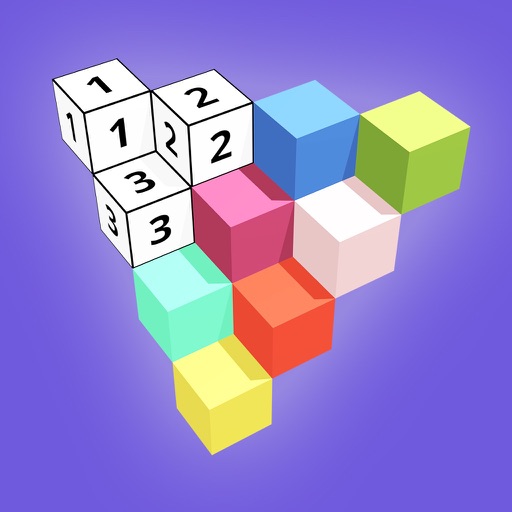
Create 3D models by coloring numbered blocks. Rotate, scale, and zoom to adjust your model. Paint highlighted boxes with selected colors. Save and share completed designs.
Save videos in various formats and access them . Organize multiple videos with a simple interface. Secure private videos with finger lock or password. Import from computer or Camera Roll. Switch between portrait and landscape playback.