Create kaleidoscope patterns by swiping fingers across the screen. Adjust the number of lines and line color. Use multi-touch for advanced control. Save generated artwork to the device's Camera Roll.
by Aaron Neugebauer★ 4.58 ratingsEntertainmentFreeData updated 2026-09-08
The app allows users to create flipbook-style animations using touch drawing tools. Users can adjust brush width and color, manage animation frames, and save their creations.
Pages allow users to learn English through interactive images. Users can select from 26 different illustrations to color. Completed drawings are saved automatically.
Convert photos into printable pages using AI. Upload images to generate detailed sketch outlines. Customize pages with color options. Print or share finished artwork directly.
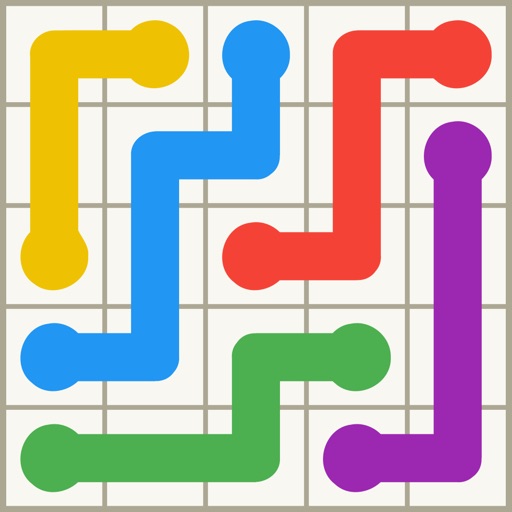
Play a puzzle game where the goal is to connect all dots of the same without crossing lines. Use touch controls to draw paths. Complete levels with increasing difficulty. Track progress and unlock new challenges.
Create digital art with natural-media brushes and exclusive media types. Sketch, draw, and paint on a blank canvas. Transform photos into artwork using AI and cloning tools. Access advanced features with a subscription.
The app provides tools to analyze and improve green screen quality. It includes a chroma keyer, spill analyzer, and color quality analyzer to preview composites live.
Create oil paintings from photos with brush stroke effects, color blending, and texture layers. Adjust lighting and shadows. Save and share final artwork in high resolution.
Record high-resolution video in multiple aspect ratios and frame rates. Adjust focus, exposure, tint, and temperature with swipe gestures. Create and save custom aspect ratios. Crop media or optimize for Instagram using color-based mattes.
Create art by selecting styles and swiping the screen. Customize canvas settings including opacity, size, and layers. Combine tools to explore creative possibilities. Save and share artwork directly.
Create art using with 2-fold to 128-fold options. Draw patterns or let the generator create designs. Adjust brush size and style. Share creations on Facebook, Twitter, Instagram, and other platforms.
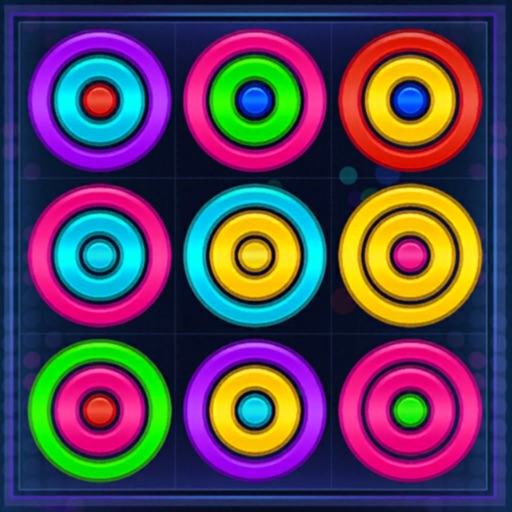
Rings by dragging them into a grid. Remove rings by creating lines of same-colored rings. Change colors using a dustbin. Clear multiple lines at once to increase score. Track progress and challenge others in competitive play.
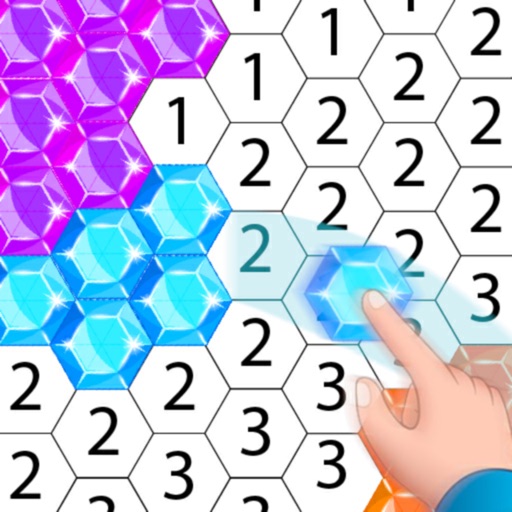
Create artwork using , gem, flower, and other materials. Select images from various categories and follow numbered steps to complete drawings. Customize colors and save creations. Share finished pieces with others.
Control trains by swiping to direct movement and avoid collisions. Create track connections to guide trains to destinations. Manage schedules and monitor progress in real time.
The app presents a classic number puzzle rebuilt for modern devices. Players clear the board by crossing out pairs of digits that are the same or add up to ten.
Create and animate fire drawings using realistic flame simulations. up to 5 flaming fingers, adjust trail thickness, and choose fire colors. Save animations as GIFs and share via SMS. Include a marshmallow toasting feature for interactive fun.