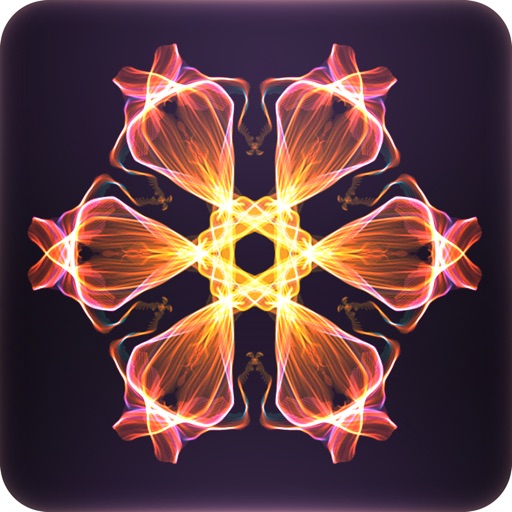
Create kaleidoscope patterns by swiping fingers across the screen. Adjust the number of lines and line color. Use multi-touch for advanced control. Save generated artwork to the device's Camera Roll.
by Aaron Neugebauer★ 4.58 ratingsEntertainmentFreeData updated 2026-09-08
Create, edit, and delete notes. Set label via touch. Schedule notifications for specific times. Sort notes by date or color. View notes in wide mode. Back up data to iCloud. Share notes with apps like Twitter, LINE, and Mail. Displays ads.
Create flowing art by swiping fingers to manipulate strands. Merge and fuse strands to form intricate designs. Save and share artwork directly. Features include customizable colors and brush settings.
Find words by swiping letters on a grid to form valid combinations. Complete all listed words to progress through puzzles. Bonus points for hidden words. Play solo or with friends on phones and tablets.
Create collages with 106 adjustable layouts and 31 irregular designs. Choose from 18 frames and 36 backgrounds. Customize borders with color and shape. Edit photos using a built-in PRO editor.
Edit photos with tools like Pen, Line, Arrow, and Rectangles. Apply filters, effects, and enhancements. Add text, stickers, and adjust lighting and color. Remove blemishes and red-eye. Crop and resize images.
Create organizational charts without manual drawing. Add team members, assign roles, and automatically generate visual hierarchies. Edit structures, export as images or PDFs, and share directly with colleagues.
The app converts photos into comic book drawings with thick outlines and bold colors. Users can choose from five comic styles and add custom messages to speech bubbles.
Convert black and white images to using selective recoloring. Select photos from the gallery or capture new ones. Pan and zoom for precise editing. Resize and fit images to the screen. Use redo and undo features for error correction.
The app provides tools for realistic oil painting and unique effects like Worm Pen. It features live-calculated brushes and strokes that interact with a generated canvas texture.
Securely store private with Touch ID or passcode access. Set a security question for recovery. Backup to iCloud. Organize and view securely across all iOS devices.
Take photos with real-time beauty filters and effects. Apply makeup and adjust skin tone instantly. Use photo filters to enhance images. Create collages by combining multiple photos. Edit with blur, whiten, and other tools.
Create drawings with realistic pencil, marker, and crayon tools. Choose from bright and soft color options. Use notebook-style pages for sketching, doodling, or coloring. Save and share drawings directly.
On paper using AR camera to trace sketches. Access templates and gallery photos for reference. Adjust line thickness and color. Save and share drawings directly.
Take photos or select images from the camera roll. Add festive stickers to create holiday-themed images. Save and share creations via email, Twitter, or Facebook.
Practice shooting with real physics and multi-touch
Practice shooting with realistic trajectories and multi-touch controls. Choose from different control styles. Experience authentic graphics and sound effects for an immersive training environment.