Create kaleidoscope patterns by swiping fingers across the screen. Adjust the number of lines and line color. Use multi-touch for advanced control. Save generated artwork to the device's Camera Roll.
by Aaron Neugebauer★ 4.58 ratingsEntertainmentFreeData updated 2026-09-08
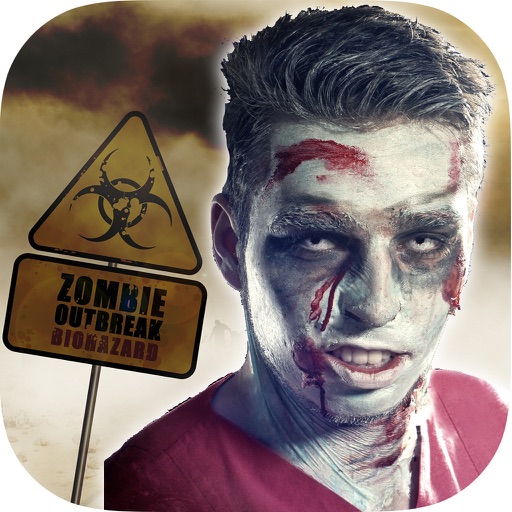
The app transforms user faces into various scary Vampire, Demon, and Zombie designs. Users can adjust effects on-the-fly and use finger gestures to rotate and resize them.
The app allows users to create collages for iPhone or iPod Touch wallpaper using a multitouch interface. It offers creative options such as a black-and-white or sepia converter, border addition, and transparency adjustment.
Play to control a with gestures. Perform tricks by swiping and timing movements. Unlock new levels and challenges. Track progress and compete with other players. Adjust difficulty settings and customize appearance.
Use iPhone as a connected via USB to mirror Mac screen. Draw with Wacom stylus and 3D Touch. Control canvas with touch gestures for zoom, scroll, undo, and redo. Connect securely for real-time screen mirroring.
Color within numbered blocks to create -style artwork. Tap to select colors, fill designated areas, and save completed designs to your device. Share creations directly or download for offline use.
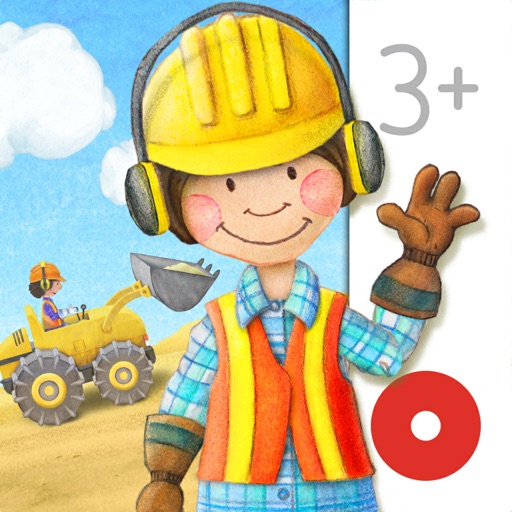
Control construction machines like cranes, diggers, and bulldozers with touch gestures. Customize builder appearances. Access 12 machines and over 50 interactive stories. Ideal for children aged 2-6.
Draw on a or whiteboard with adjustable brush sizes and multiple paint colors. Create shapes like lines, arrows, circles, and polygons. Add text with customizable font sizes. Import photos and record video directly within the .
Edit photos by selecting from Camera Roll or taking new shots. Apply real-time effects to create prism-like glass pieces. Adjust frames, shapes, and patterns. Rotate, resize, and drag elements for custom designs. Export and share edited images.
Create animation with filters, changer effects, and 8 animation styles including cartoon, , and pop art. Apply effects live from camera or photo library. Share on Instagram, Snapchat, or Facebook.
Edit images by on photos and adding text. Choose from 45 colors and five pen thicknesses. Use zoom editing and undo functionality. Share edited images via email, Twitter, and Facebook.
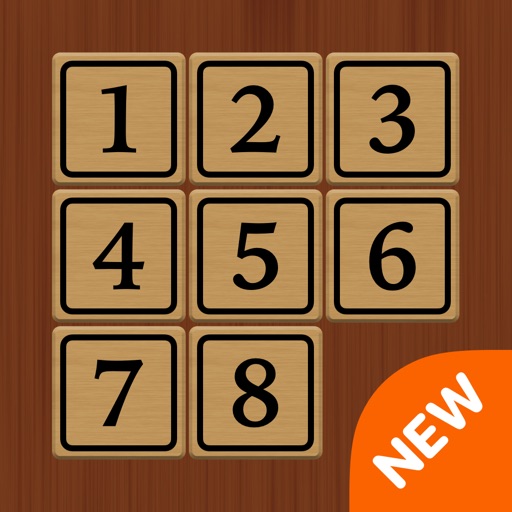
Solve puzzles by sliding tiles to arrange them in order. Choose from 4 modes and 30 levels. Use multi-touch to move multiple tiles. Access smart hints and view a global leaderboard. Toggle animations and timer. Support dark mode and social sharing.
Create short videos by arranging clips, adding music, and applying effects. Edit footage instantly without complex tools. Save videos to camera roll or share via email, Twitter, and Facebook.
Create sketches from photos or camera captures with "," "Doodle," and "Hatch" styles. Adjust colors for black-white or vibrant results. Save images with a single tap. Share generated sketches directly.
Select a random option by placing multiple fingers on the screen. The chooses one at random for decisions like game turns, prize winners, or spontaneous choices. No additional actions required beyond touching the screen.
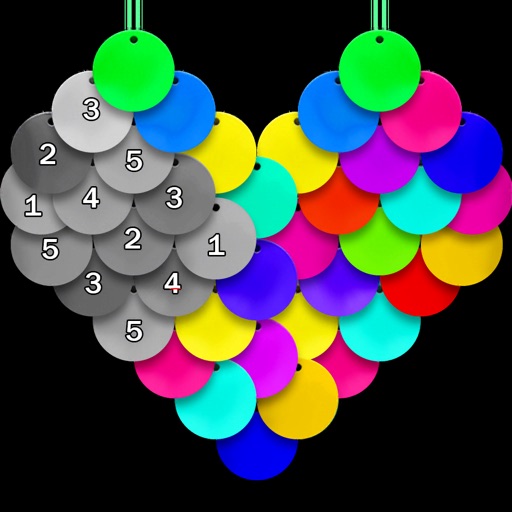
Color pictures using disc-shaped beads to create artwork. Select from various coloring pages. Add beads to fill sections and complete images. Save and share finished creations. Adjust bead placement and colors.
Create and edit digital paintings using pencil tools, brushes, and smudge features. Fill areas with color, add text, and draw shapes like lines and circles.
Explore a large collection of popular and manga wallpapers. Save favorites for easy access. Customize wallpapers with filters. Share wallpapers to camera roll. Supports both portrait and landscape orientations on iPads.