
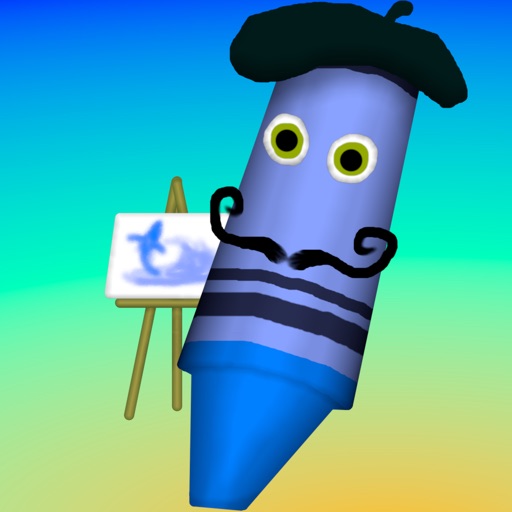
Apps Like Crayon Maestro for iPhone and iPad
Draw with finger pressure to create art
Create art with a wax simulator that mimics real-life drawing. Adjust stroke size based on finger contact area for precise control. Draw thin lines with fingertips or broad strokes with full finger pressure.
Crayon Maestro screenshots
Ranked alternatives
Showing 421–440 of 1,000 ranked alternatives.
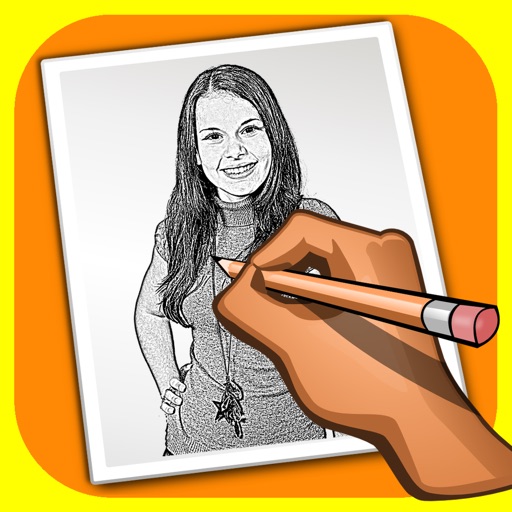
Sketch Shine - pencil drawing
Alexander Dr. Rieger
Turn photos into pencil drawings.
The app transforms user photos into pencil drawings with a sketch shine effect. Users can apply this filter to images captured with the device's camera.

Paint - Draw & Sketch
abedalkareem omreyh
And anywhere with your Apple Watch
And on your Apple Watch with customizable brush sizes and blur radius settings. Access a large color palette and save or undo changes. Delete drawings as needed.


MagicalDraw
Aki Ueno
Create drawing chat rooms instantly.
The app allows users to create drawing chat rooms instantly without registration. Multiple users can draw simultaneously on a large, resizable canvas with features like layers, shake correction, and undo.
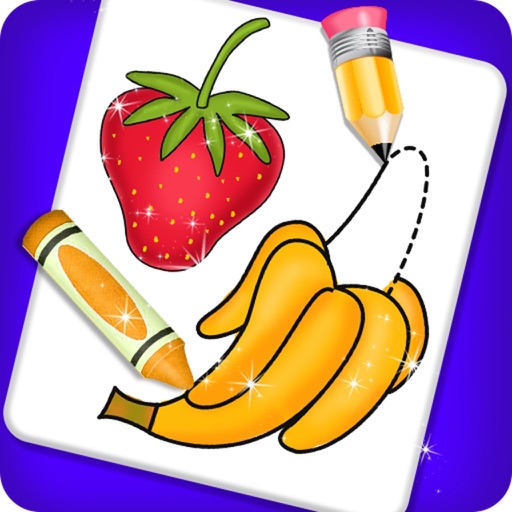
Fruits and Vegetable Coloring
payal patel
Color and vegetables to draw
Books allow users to select fruit and doodles for customization. Choose colors from menus and apply different color styles. Adjust pencil size for better control and use an eraser tool for corrections.





AR Drawing: Simply Draw, Trace
Ravkat Abdusatarov
And color to create art
Use phone camera to project images onto surfaces for tracing. Access templates for drawing and coloring. Color traced images to create artwork. Share finished drawings directly.

5min Sketch
Kazuaki Matsuda
Daily, adjust display, save artwork
Create sketches in short sessions by selecting images from a library, camera roll, or camera. Adjust image display with pinch, pan, and rotate. Overlay images for reference. Save drawings automatically and review progress over time.


Pen and Paper
Jens Egeblad
Write, draw, and annotate notes
Create handwritten notes on iPad or iPhone. Import and annotate PDFs. Draw ink with finger, resize, recolor, and move doodles. Add text with customizable fonts, color, and alignment. Include shapes like arrows, polygons, and diagrams.

How we rank alternatives
Apps are ranked by functional similarity, category fit, rating confidence, and popularity.