Create art with a wax simulator that mimics real-life drawing. Adjust stroke size based on finger contact area for precise control. Draw thin lines with fingertips or broad strokes with full finger pressure.
by Norbyte★ 4.6226 ratingsGraphics & DesignFreeData updated 2026-09-08
Create and customize for cross and pixel art. Set grid size up to 1,000 x 1,000. Choose display formats including symbol, fill, and . Use rulers and context menus to copy, move, flip, or clear elements. Duplicate pages and select starting positions.
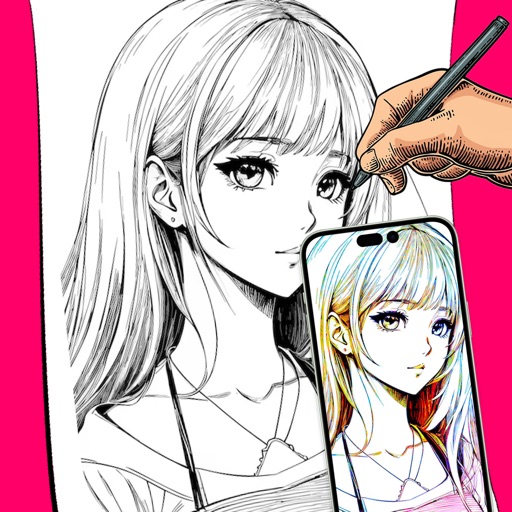
Convert photos into sketches with tone drawing engine. Adjust pen color, size, and background. Generate strokes with transparent backgrounds. Save sketches in original size and colorize with original colors.
Record videos and apply real-time . Add animated overlays and custom soundtracks. Adjust speed and export in HD. Share to social media or send via iMessage and email. Import existing videos for editing.
Create drawings with realistic , blackboard, and marker pen textures. Add sound effects during drawing. Use an intuitive interface to sketch lunch menus, todo lists, and humorous images.
The app allows users to create spiral drawings with colorful gears and rings. Users can import photos, use Apple Pencil, and draw hypotrochoids and epitrochoids.
The app allows users to draw with their finger on an iPhone, iPad, or iPod Touch. Users can select from 6 colors and 5 line sizes, and connect two devices to share a drawing screen with a friend.
Pollux Bilisim Teknolojileri Sanayi ve Ticaret Limited Sirketi
Sketch on photos with AR
Use AR to sketch and draw on photos with realistic ink effects. outlines or create pencil sketches from images. Convert photos into artistic drawings with AI-powered tools. Save and share finished artwork directly.
Create avatars and wallpapers by painting or doodling. Access built-in resources for inspiration and guidance. Choose customizable painting lines to express creativity. Save and share finished artwork.
The app offers a colorful take on Sudoku with beautiful graphics and rich features. It includes options for making notes and highlights selected colors, making it easier to play.
The app simulates virtual oil paint and brushes for realistic drawing. It features an interactive palette for color manipulation and offers numerous free coloring books.