Create collages and edit photos with cropping, filters, and text. Add stickers and remove backgrounds. Edit videos, create slideshows, and design invitations. Share directly to Instagram with hashtag management.
The app allows users to create photo and video collages with music and effects. Users can add music, effects, and patterned backgrounds to their creations.
Create photo collages and video slideshows with customizable layouts, colors, and patterns. Add text, filters, and music. Edit photos with object removal, skin softening, and blur effects. Include stickers, outlines, and background adjustments.
Create photo collages with hundreds of predefined layouts and AI-powered face detection. Combine up to 10 photos in various aspect ratios. Edit images by dragging, scaling, rotating, and flipping. Apply effects and customize frame width and style.
The app provides layouts, backgrounds, and frames for designing photo collages. Users can select templates, upload photos, and adjust them with effects, resizing, or rotation.
Edit videos by adding text, music, filters, and sound effects. Apply overlays and voice-overs. Create photo stories animations and artwork. Export final videos in various formats.
Edit photos with filters, cropping, and adjustment tools. Add text, stickers, frames, and patterns. Create collages by combining multiple photos. Share edited images directly to social media.
Create collages with 64 layouts and custom difference templates. Add photo frames, stickers, captions, and text with font options. Edit backgrounds and export finished collages.
The app allows users to create picture collages with various styles like Picture Pile, Picture Grid, and Mosaic. Users can add text, exchange pictures by dragging, and pan or zoom individual images within frames.
Create collages by selecting from hundreds of layouts and sizes. Add exclusive stickers, artistic backgrounds, and textures. Draw on collages and export in multiple formats. Share directly or save as posters and stories.
Create flipped collages by selecting images from the library and applying predefined styles. Share collages directly to social media with one tap. Update the for improved performance and enhanced user experience.
Create PIP photos and collages using frames, filters, and effects. Add text, stickers, and adjust brightness and contrast. Share edited images directly or save to the gallery.
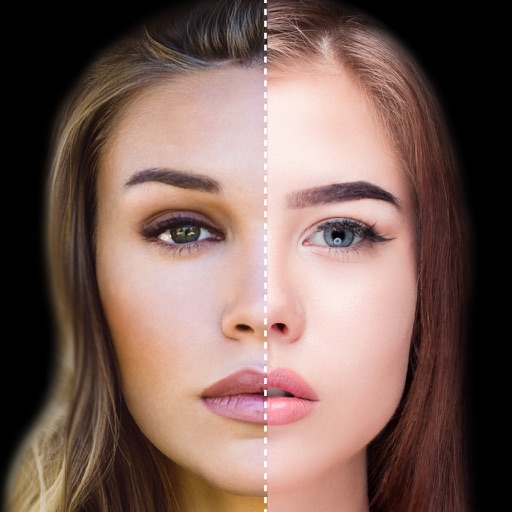
Find lookalikes using AI. Create collages with gradient face-to-face effects. Share with hashtag #looklikeme. Transform photos into art with AI styles. Upscale images for better clarity. No photo storage.