Perform complex calculations with parentheses, exponents, and multiple operations. Solve equations, convert units, and use scientific functions. Save and recall previous calculations. Share results via copy-paste or email.
by Koombea, Inc.★ 4.219 ratingsUtilitiesFreeData updated 2026-09-08
Calculate electrical values using formulas for voltage, current, resistance, power, and more. Determine wire size and voltage drop. Perform transformer and generator calculations. Convert between electrical units.
Offers basic and scientific functions for daily tasks and complex computations. It includes unit converters with 41 categories, allowing users to drag and sort units, switch base units, and perform accurate calculations.
Calculate -related conversions, fuel consumption, and navigation metrics. Perform arithmetic operations and unit conversions. Track time, distance, and speed. Sync with Apple Watch for real-time updates.
The app offers a simple and intuitive calculator with features like undo/redo, keyboard trackpad mode, and basic graphing. It supports dynamic type and is accessible.
Perform length calculations, determine fittings angles, and estimate material requirements. Access schedules, standards, and industry-specific data. Convert units and calculate pressure drops. Save and export calculation results.
Solve math problems with basic and complex calculations. Convert units and exchange currencies. Use fractions and square root functions. Perform calculations quickly and accurately.
Manage budgets, mortgages, and loans with compound interest and tip calculations. Use speech voice for accessible feedback. Keep equation history, view real-time results, and export data to email or CSV.
The app offers scientific and standard modes with over 30 scientific operations. It supports degrees and radians, parentheses, and output in decimal or scientific notation.
A a log of all calculations. Displays input equations and results clearly. Includes backspace function. Allows adjustable keyboard size and number font size. Supports customization of decimal places, font size for , and display format.
Convert units between metric and imperial systems including area, distance, speed, temperature, volume, time, weight, energy, and power. Calculate area, speed, distance, and volume with supported units. Switch between units quickly and accurately.
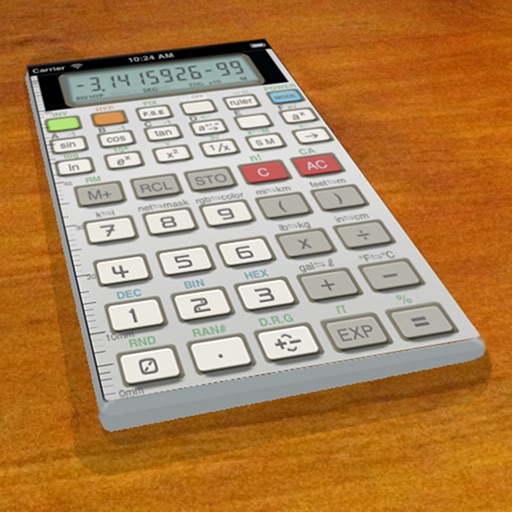
A vintage-style scientific calculator with a retro LCD display and realistic key sounds. Perform basic and advanced calculations, use shift functions, and access additional modern features like parentheses and memory storage.
Perform calculations with a clean interface. Switch between light and dark themes. Use multitasking on iPad. Access on Apple Watch with complications. Share results via iMessage.
Manage projects, track progress, and share updates
Manage construction projects with budget tracking, material calculations, and scheduling tools. Input measurements for custom cuts and view progress reports. Sync across devices and export data in multiple formats.
General with allows users to perform basic arithmetic operations and access functions via an integrated . Input equations directly on the for calculations. Includes a scientific mode for advanced operations.
Calculate costs and percentages for building projects. Estimate quantities needed for walls, floors, and roofs. Convert measurements between units. Track project budgets and adjust estimates in real time. Export calculations to PDF or email.
Calculate materials with 10 tools for gravel, soil, mulch, concrete, pavers, retaining walls, grass seed, sod, area, and volume. Input dimensions in inches, feet, yards, centimeters, or meters. Output results in US customary or metric units.
Unit and currency converter for quick conversions. Solve math problems with handwriting recognition. Calculate BMI, date intervals, and basic data. Analyze equations and perform photo-based problem searches.