Create paintings using single strokes in sizes from tiny to large. Choose from normal colors, continuous color change for each stroke, or simultaneous color change.
by ABCiSoft★ 4.33 ratingsEntertainmentFreeData updated 2026-09-08
Create 3D art using step-by-step tutorials. Access a large collection of drawings and techniques. Learn without prior skills through self-guided lessons. Practice drawing various styles. Export and share finished artwork.
Create and edit drawing tools and photo additions. Paint on images finger input. Move, rotate, and scale added . Save and share creations via social media apps. Offers a simple interface for note-taking and visual projects.
Edit screenshots with customizable backgrounds and size adjustments. Apply preset ratios for optimal display. Share enhanced images directly from the .
Remove backgrounds or objects using AI by adding a and tapping "remove." Adjust the new background to a custom color, white, another image, a gradient, or a preset. Add text, shapes, and photos to the edited image.
Edit text with customizable fonts, shadows, and gradient colors. Apply one-click filters for professional photo look. Adjust lighting, sharpness, and detail clarity. Access design templates for weddings, cards, and frames.
Create art using realistic and watercolor effects. Draw with tools like marker, airbrush, crayon, and eraser. Apply fluid-based watercolor effects in the full version. Adjust colors and blend textures for detailed illustrations.
Create captions quickly with like metal chrome, blur, and glitch. Use latest hip fonts for a personal touch. Edit images with a full-screen professional editor. Add transparent backgrounds and export directly.
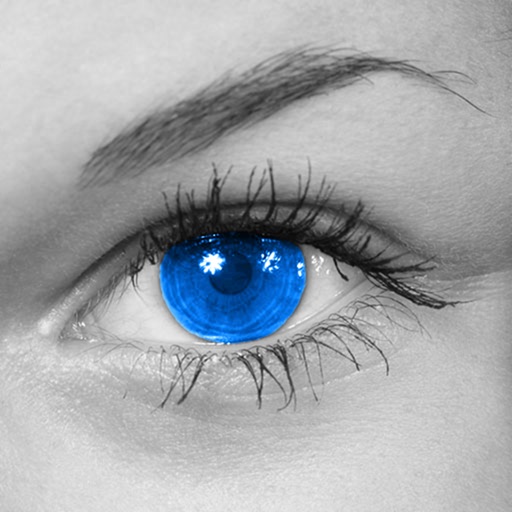
The app converts photos to grayscale while allowing users to selectively recolor areas. Users can paint, zoom, and erase to create color splash images.
Create and share sketches with realistic brush strokes and modeling effects. Study forms, shapes, and architecture. Save drawings to photo library or social media platforms like Twitter, Facebook, and Sina Weibo.
Play against AI or another player with customizable settings. Solve block match puzzles by connecting matching pieces. Navigate through slide escape levels by moving objects to clear paths. Connect dots in Color Link to complete patterns.
Create and animate drawings with a variety of painting tools and brushes. Record and share artwork as videos. Use a whiteboard for tutorials and pitch recordings. Access symmetry and guides for precision. Export creations in multiple formats.